

01 / Project overview
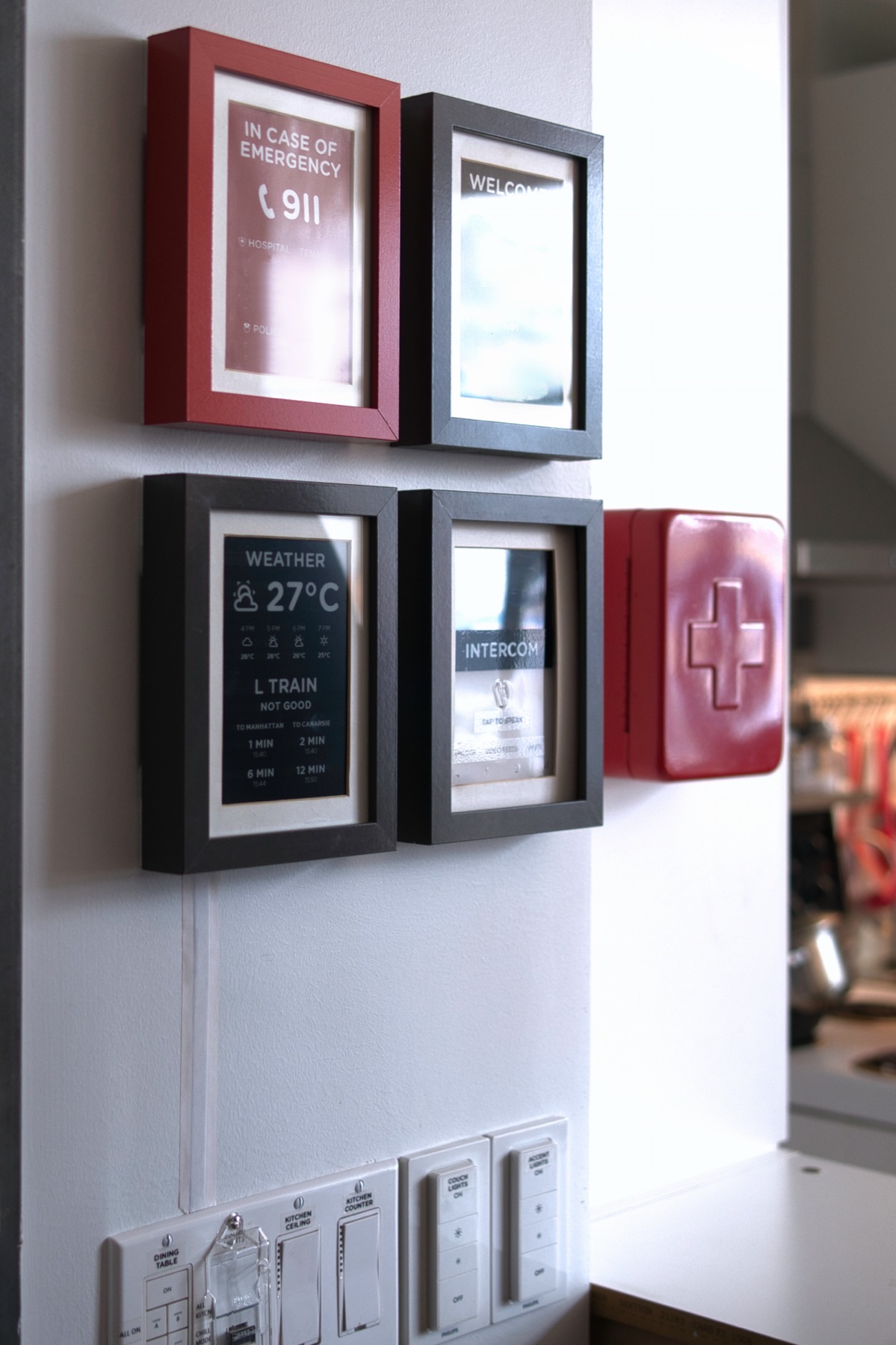
Madelena’s Weatherman dashboard is a documented Home Assistant display intended for a location near the front door. It combines weather and transit information in a portrait layout on a Waveshare e-paper panel. The repository supplies ESPHome and Home Assistant configuration files and describes how the display avoids unnecessary refreshes.

FROM THE ORIGINAL PROJECT
A close view of the author’s dashboard shows the large weather symbols and compact room information.
Madelena/esphome-weatherman-dashboard · View original image
02 / Materials & software
- Waveshare 7.5-inch 800 × 480 panel
- Waveshare ESP32 e-paper driver board
- Home Assistant
- frame and USB power
03 / Compatibility & setup notes
The example’s transit data is specific to the author’s setup. Replace those entities and integrations instead of assuming that the original configuration will work in another city.
04 / Build the project
- Bring the ESP32 driver board into your ESPHome installation.
- Adapt the supplied template sensors and entity names to your Home Assistant instance.
- Install the required assets and configure the display, then begin with weather before adding location-specific transit data.

FROM THE ORIGINAL PROJECT
The project’s available entities connect the physical display with Home Assistant controls and sensors.
Madelena/esphome-weatherman-dashboard · View original image
05 / Check the result
Check unavailable entities, long place names and the last-refreshed timestamp. Verify that the information is legible from the distance where the finished frame will hang.
PineMux build note: Keep a record of the board revision, firmware version and first successful test. Follow the upstream guide for exact pins and commands.
06 / Sources & build notes
Upstream attention: 1,277 GitHub stars, checked 30 September 2026. Stars indicate community interest, not a reliability guarantee.
Original project by Madelena. This PineMux editorial overview is based on the linked primary source; PineMux has not bench-tested this build.