
01 / Project overview
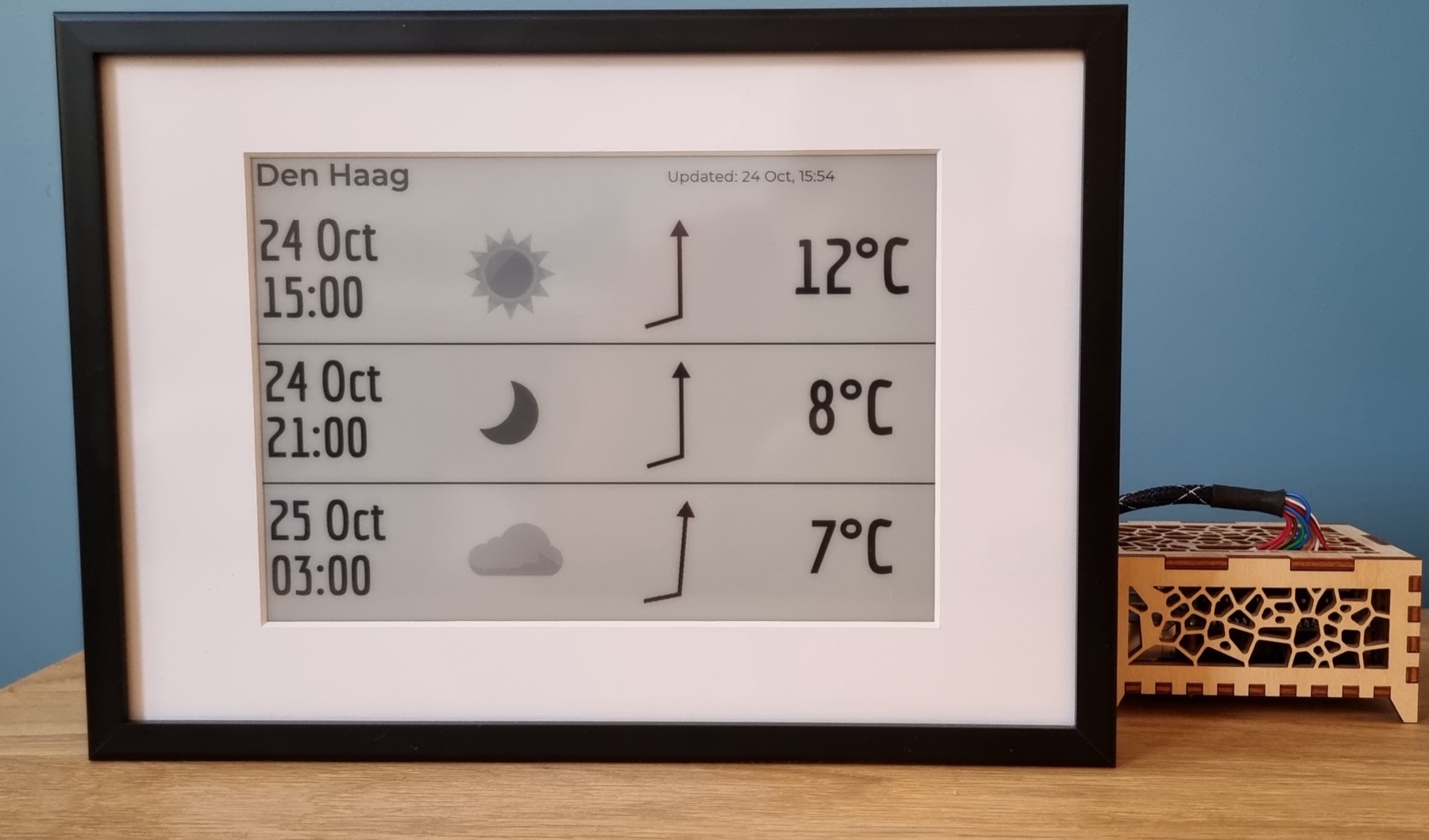
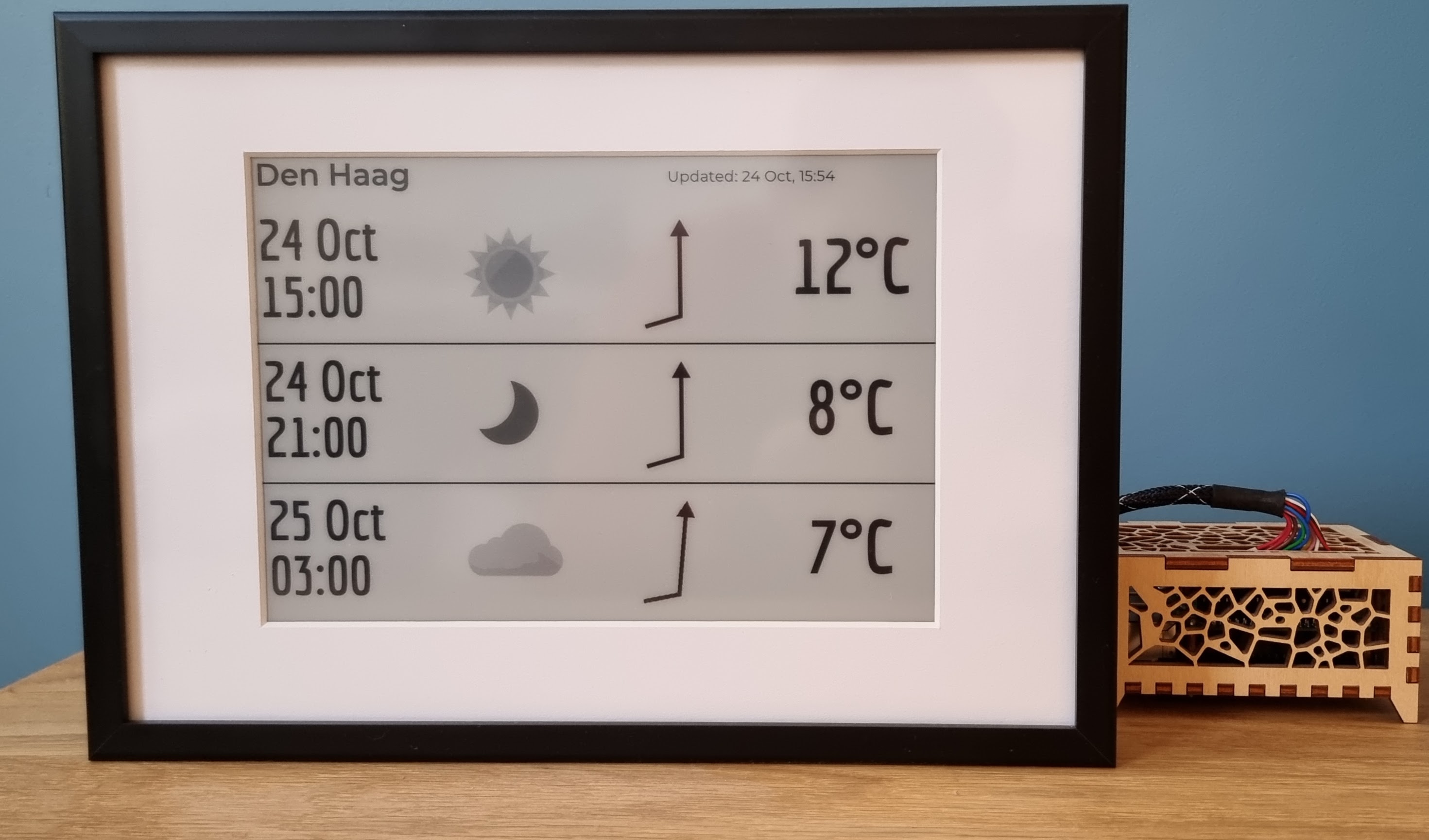
PaperPi is a plugin-based Raspberry Pi information display that rotates through a chosen set of screens. The repository includes examples for clocks, weather, images and music-related information, and documents broad Waveshare support. It is a useful alternative when one screen should cycle through several quiet, low-frequency views.
02 / Materials & software
- Raspberry Pi
- supported Waveshare e-paper display and HAT
- microSD
- power supply
- selected plugin services
FROM THE ORIGINAL PROJECT
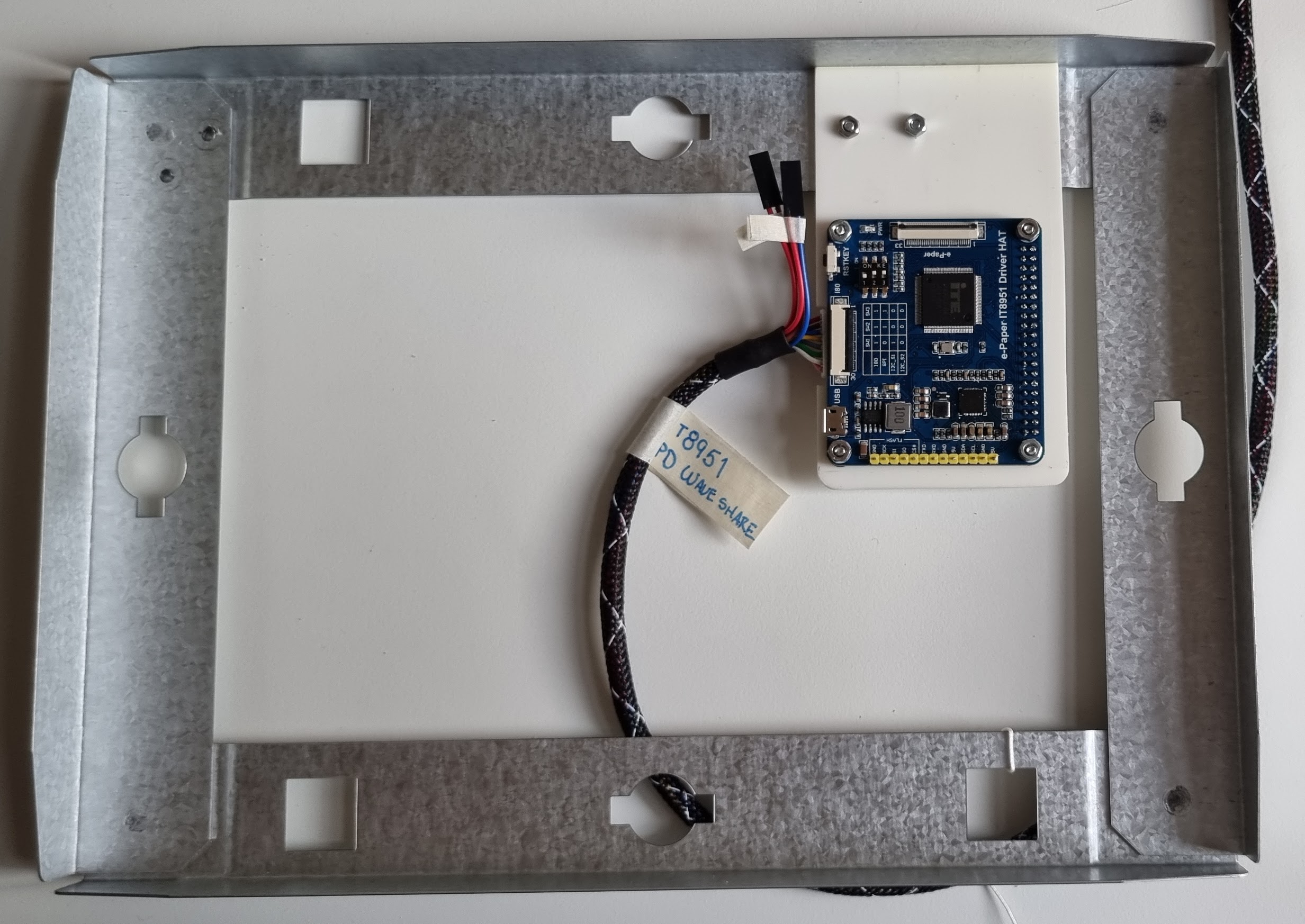
The author’s frame-building guide shows the electronics mounted behind the panel.
txoof/PaperPi · View original image
03 / Compatibility & setup notes
The README contains historical operating-system notes as well as newer requirements. Check the current setup instructions and issues; color capability also depends on the selected driver.
04 / Build the project
- Check the current setup guide and driver support for your display and operating system.
- Install PaperPi and start with a simple clock or splash plugin.
- Configure one data plugin at a time, then set the rotation and refresh behavior for the panel.
05 / Check the result
Watch a complete rotation, disconnect a data source and confirm the display process continues. Check that each layout remains readable at the actual panel size.
PineMux build note: Keep a record of the board revision, firmware version and first successful test. Follow the upstream guide for exact pins and commands.
FROM THE ORIGINAL PROJECT
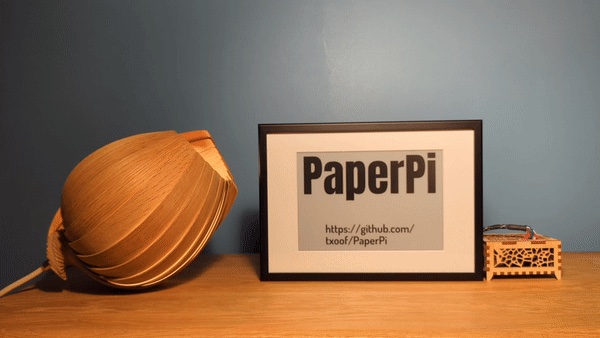
An original PaperPi display example from the project documentation.
txoof/PaperPi · View original image
06 / Sources & build notes
- txoof/PaperPi — original project, documentation and code
- Waveshare hardware reference linked by the project
Upstream attention: 205 GitHub stars, checked 30 September 2026. Stars indicate community interest, not a reliability guarantee.
Original project by txoof. This PineMux editorial overview is based on the linked primary source; PineMux has not bench-tested this build.