
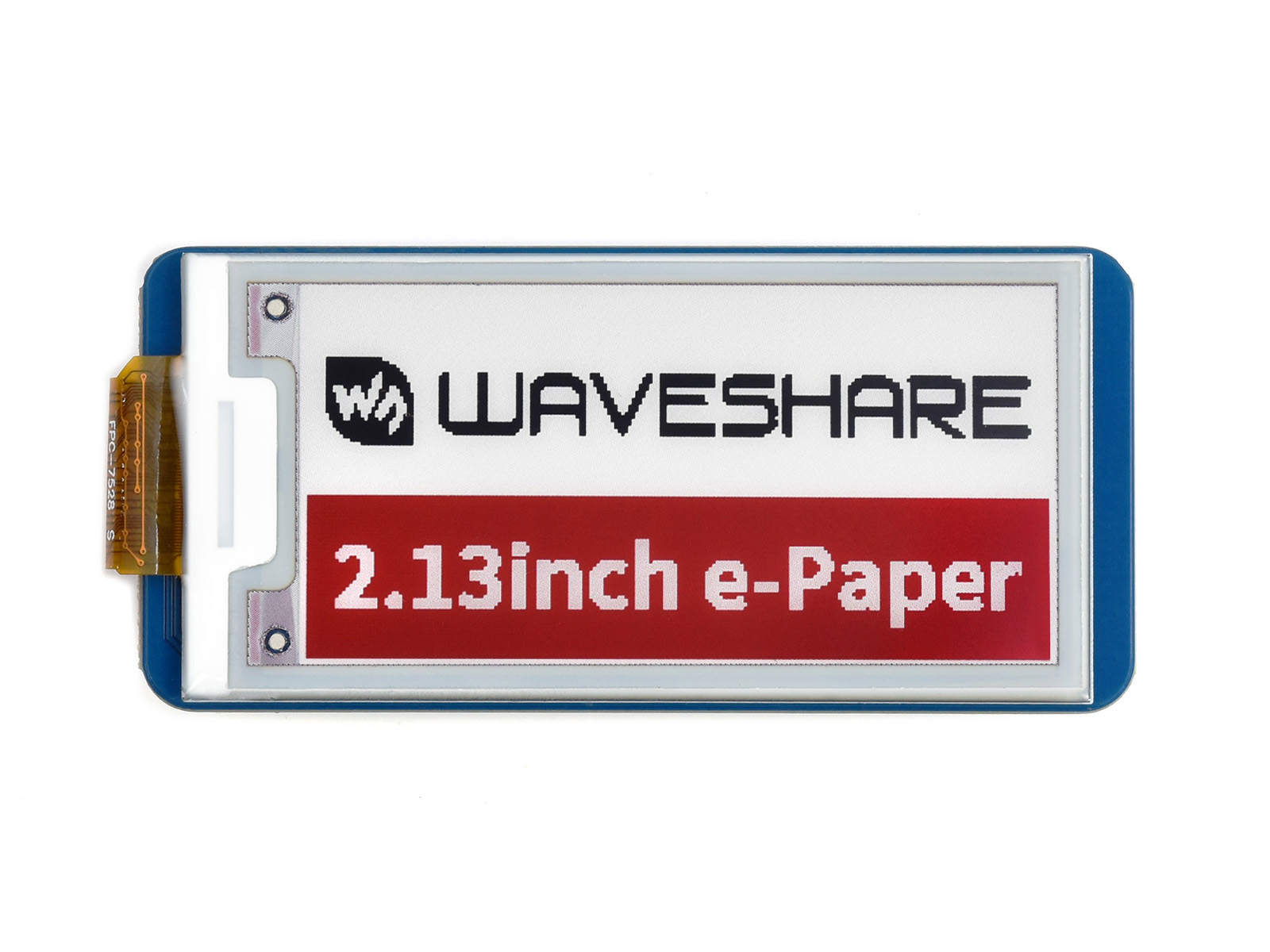
01 / Project overview
Use this project for information that changes occasionally, such as a desk task or a room label. This guide targets the Pico-ePaper-2.13-B V4, whose documented resolution is 250 × 122. Older B revisions differ, so select the driver by the label on the panel rather than by screen size alone.
02 / Materials & software
| Item | What to check |
|---|---|
| Pico-ePaper-2.13-B V4 | Confirm the B suffix and V4 label. |
| Raspberry Pi Pico | Use compatible headers. |
| USB cable | Keep development on USB power. |
| Official matching demo | Choose the V4 B example and its required firmware. |
03 / Connections & first setup
Fit the module to the Pico in the documented orientation with power disconnected. Do not bend or tug the display’s flexible cable. Keep the electronics supported while changing software; movement of the raw panel adds a mechanical variable to debugging.
04 / Build the project
- Run the exact demo
Confirm the official V4 B example clears the screen and draws both color planes. Save the working result. A black-and-white example for a different revision is not a useful baseline for this panel.
- Choose a tiny content model
Use a title, one next action, and a date or revision marker. Limit the number of characters before drawing. Long notes belong elsewhere; the reminder should make one action easy to notice.
- Compose before refreshing
Prepare the complete black and red image buffers in memory, then ask the driver to update the panel. Keep red for a small emphasis so the main message remains readable without color.
- Update only when needed
Compare the new content with the previous content. Follow the panel manual’s refresh interval and full-refresh guidance; do not run it like an animated LCD. Put the display into its documented sleep state after an update.
- Check the next wake
Initialize the panel as required before another refresh. Test a sequence of three different reminders and one unchanged reminder. The unchanged case should avoid an unnecessary update.
Suggested reminder content
TASK: Finish sensor enclosure
NEXT: Check cable clearance
REVIEW: Friday
Revision: 03
05 / Check the result
| Check | Expected behavior |
|---|---|
| Correct model | Text and color planes align on the full panel. |
| Unchanged content | No redundant refresh is requested. |
| Sleep and wake | The following deliberate update succeeds. |
Troubleshooting. Clipped or shifted content often means the resolution or driver does not match the panel revision. A retained image after power removal is normal for e-paper. Follow the official recovery and refresh procedure if ghosting appears rather than repeatedly forcing rapid updates.
06 / Sources & build notes
Prepared by PineMux from the official sources above. These are editorial build instructions; this project has not been bench-tested by PineMux. The cover shows reference hardware or a source project; image credit is provided above. Use the manufacturer’s revision-specific diagrams for exact wiring.