
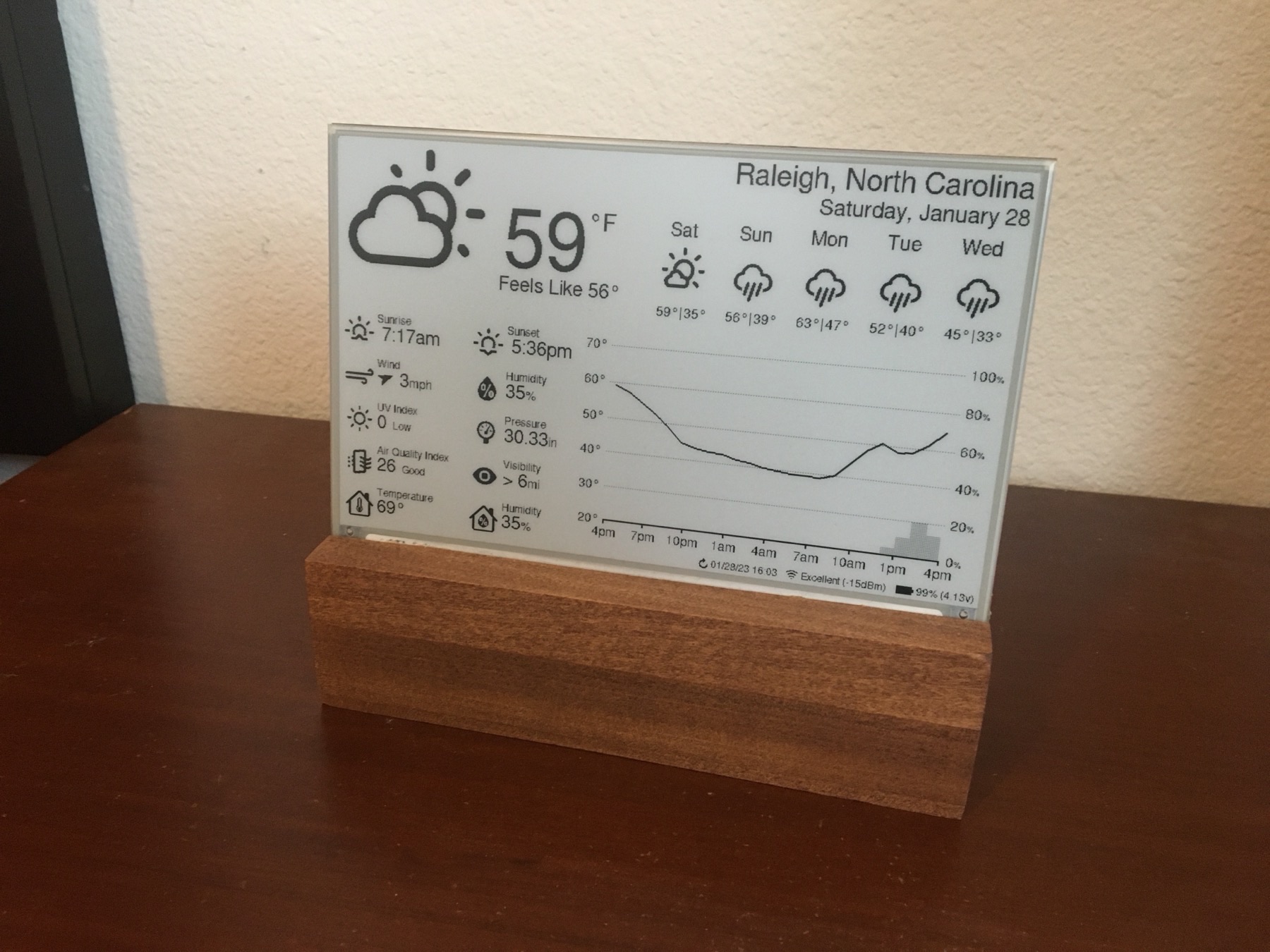
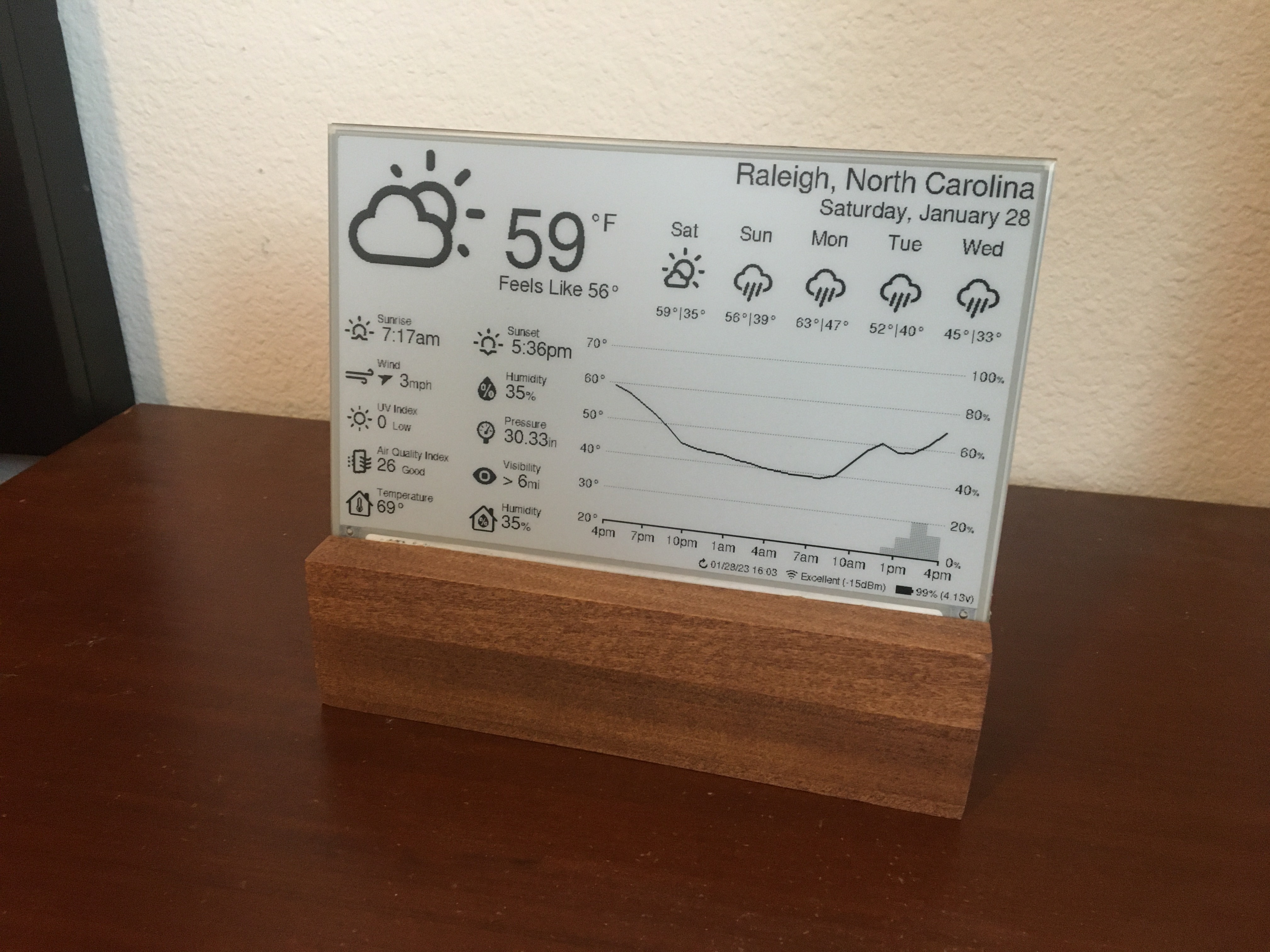
01 / Project overview
Luke Marzen’s esp32-weather-epd combines an ESP32, a large e-paper screen and online weather data. The original build includes an indoor sensor and a forecast layout that can be configured for location, units and language. It is an established reference for a readable weather station with long intervals between updates.
02 / Materials & software
- ESP32 board from the upstream BOM
- supported 7.5-inch Waveshare panel
- matching adapter
- temperature/humidity sensor
- power supply
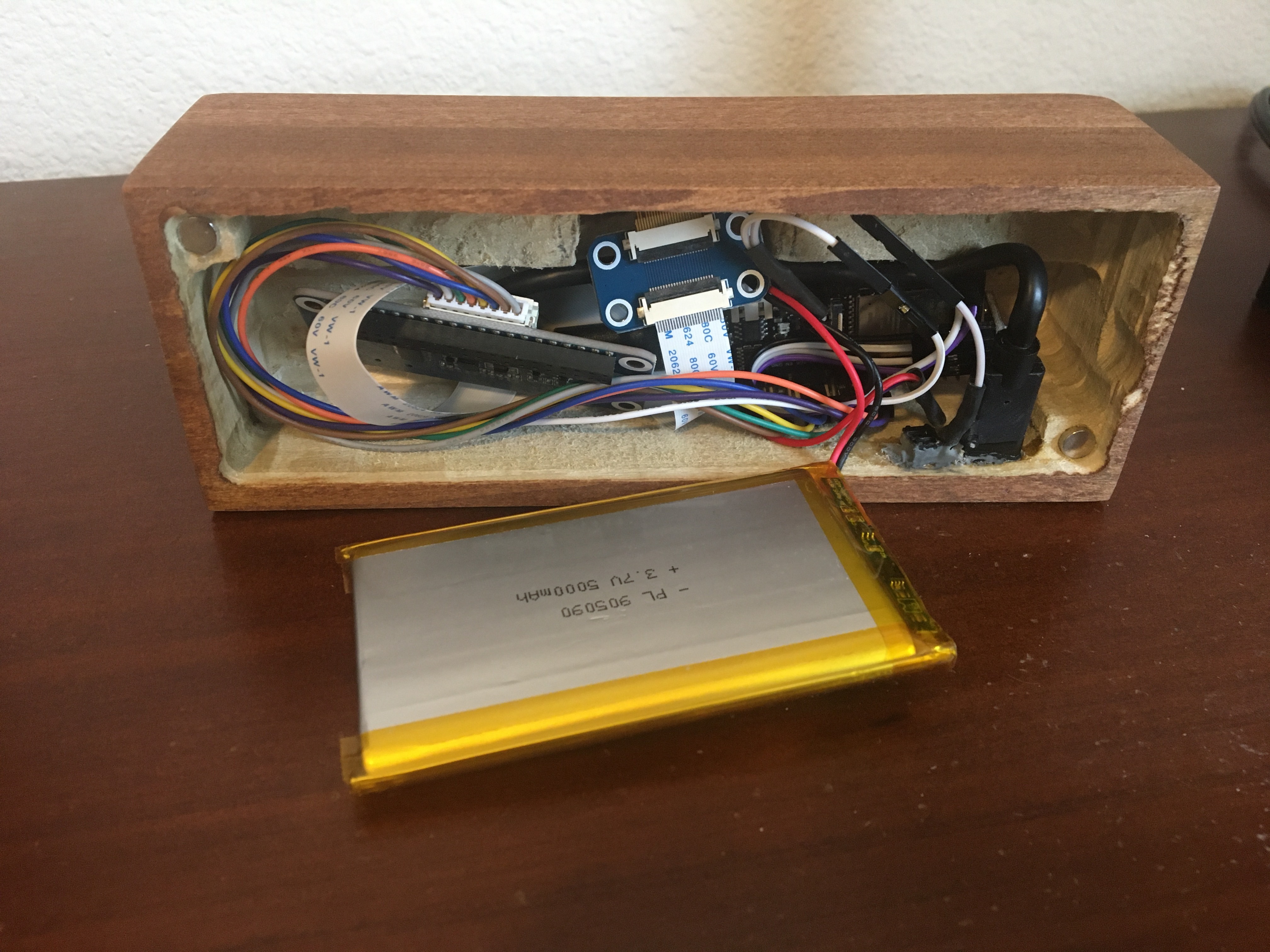
FROM THE ORIGINAL PROJECT
Removing the rear cover reveals the hardware arrangement used in the author’s enclosure.
lmarzen/esp32-weather-epd · View original image
03 / Compatibility & setup notes
The author distinguishes the bare panel from the adapter: Waveshare HAT revisions 2.2/2.3 are not the recommended adapter. Claimed battery life depends on the complete hardware and refresh schedule.
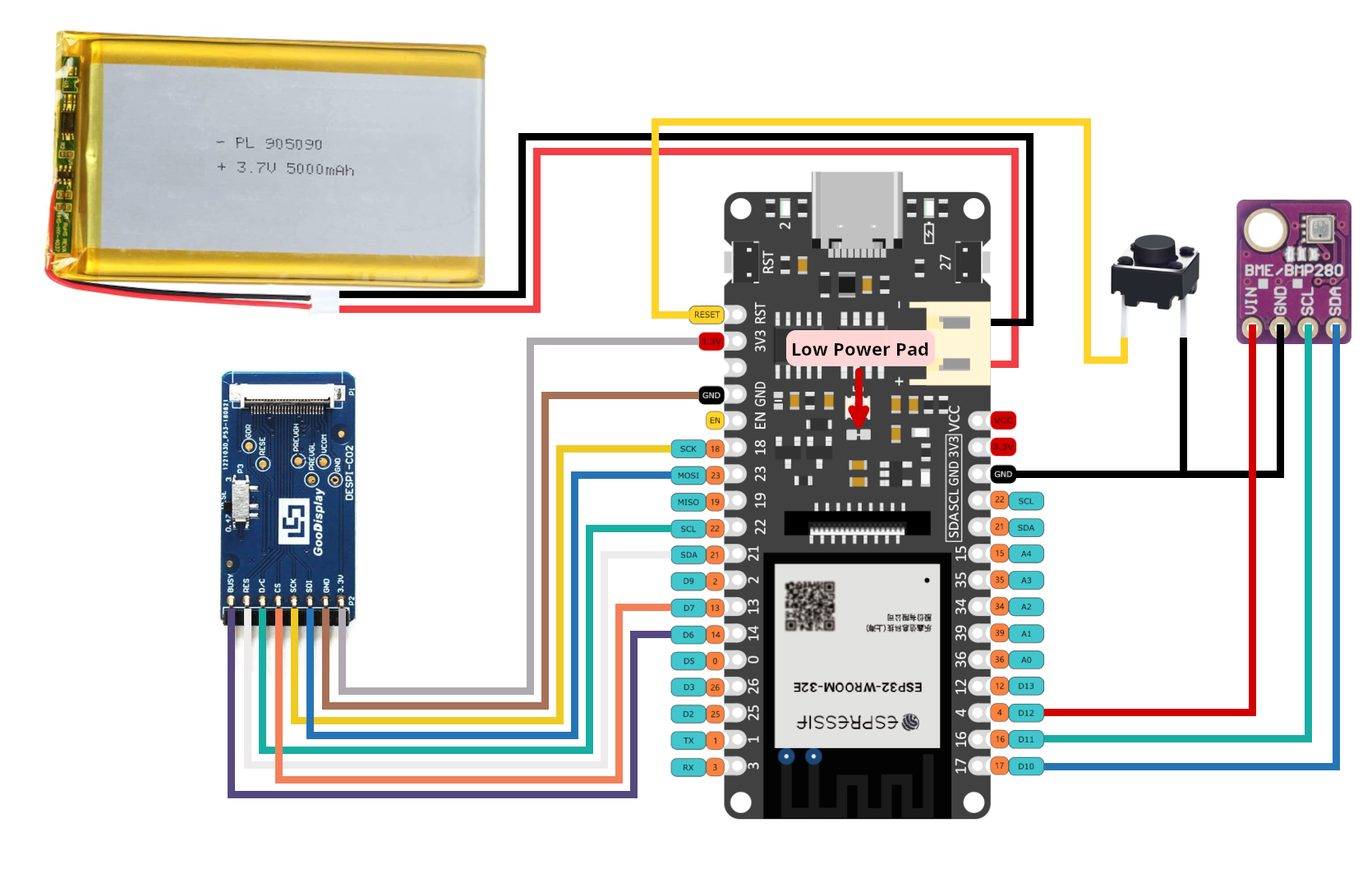
FROM THE ORIGINAL PROJECT
Author’s diagram for the DESPI-C02 driver arrangement. It is not the wiring diagram for every Waveshare HAT revision.
lmarzen/esp32-weather-epd · View original image
04 / Build the project
- Match the panel model and revision to the supported-panel table.
- Wire the selected adapter and sensor using the repository diagram, then configure location and weather credentials.
- Build the matching PlatformIO configuration and verify a complete refresh on USB power before considering battery operation.
05 / Check the result
Compare the displayed timestamp and units with the configured location. Test a failed network request and confirm the screen does not present old data as a new observation.
PineMux build note: Keep a record of the board revision, firmware version and first successful test. Follow the upstream guide for exact pins and commands.
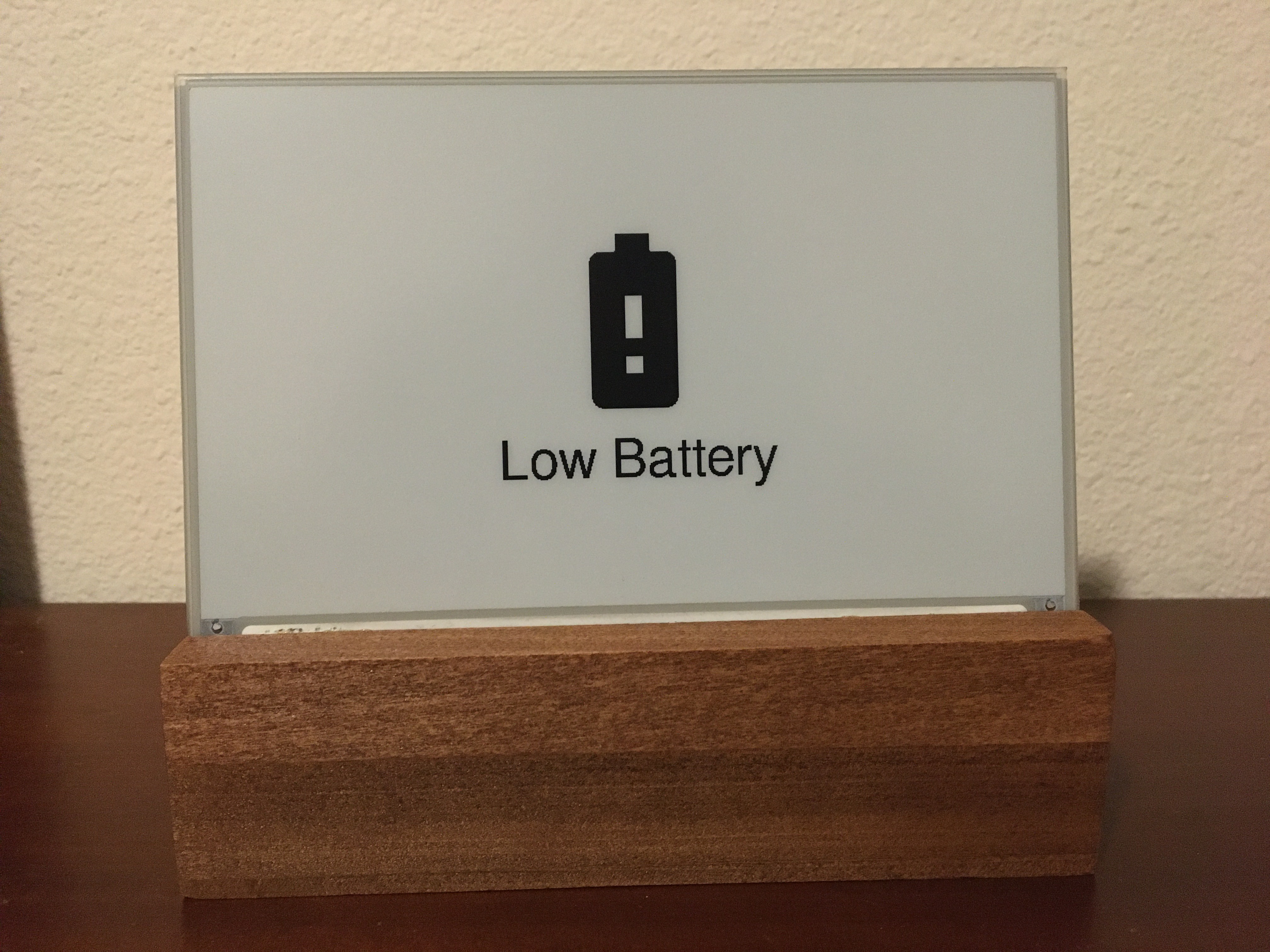
FROM THE ORIGINAL PROJECT
The upstream low-battery screen is a useful example of a readable failure state.
lmarzen/esp32-weather-epd · View original image
06 / Sources & build notes
- lmarzen/esp32-weather-epd — original project, documentation and code
- Waveshare hardware reference linked by the project
Upstream attention: 6,282 GitHub stars, checked 30 September 2026. Stars indicate community interest, not a reliability guarantee.
Original project by lmarzen. This PineMux editorial overview is based on the linked primary source; PineMux has not bench-tested this build.