
01 / Project overview
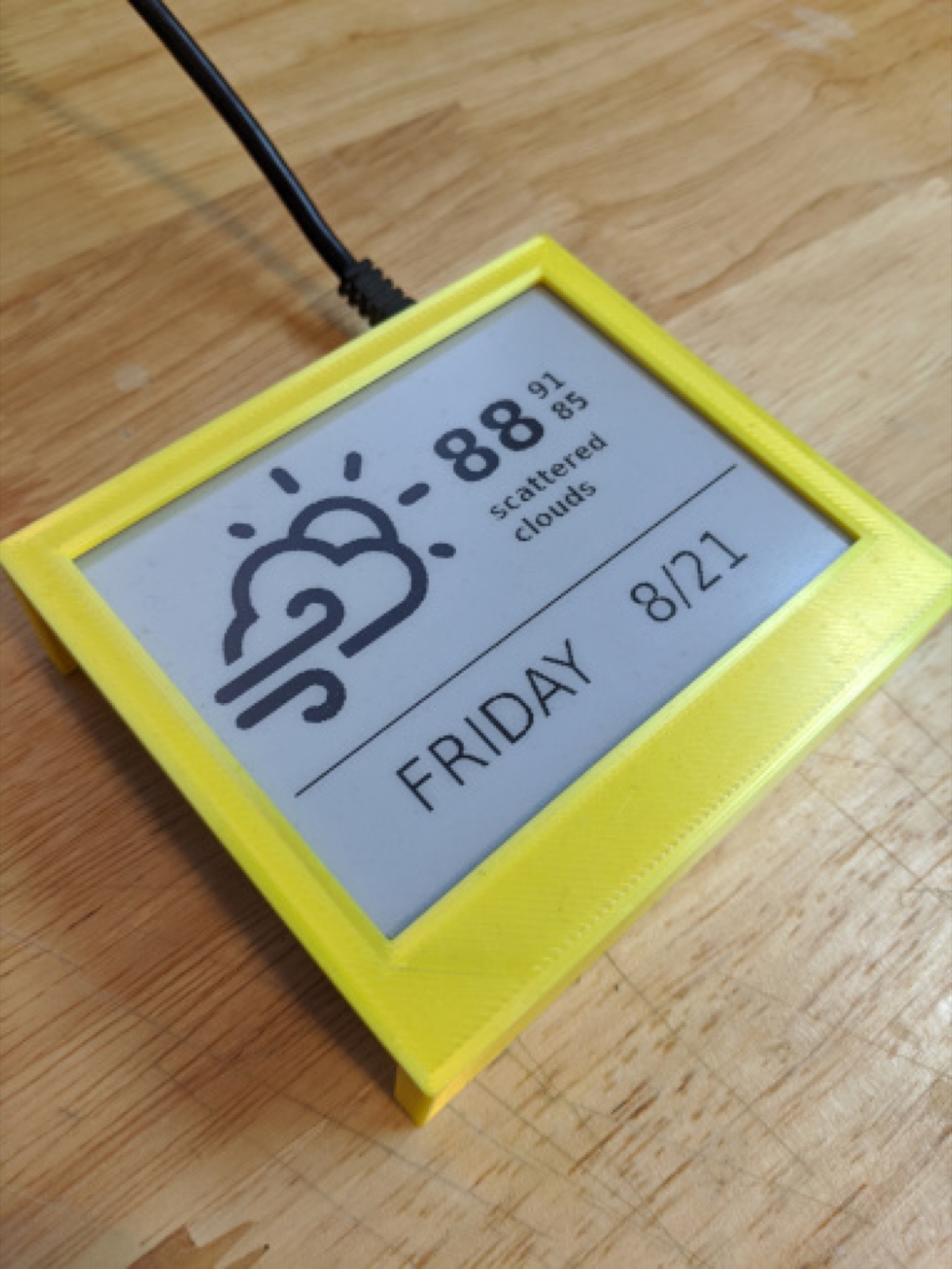
ePaper.js connects web layouts to physical e-paper displays. It can render a URL once or refresh it periodically, and its supported-device list includes several Waveshare panels. The repository demonstrates a weather layout and an e-reader, making it useful for makers who want to design the interface with HTML and JavaScript.
02 / Materials & software
- Raspberry Pi
- a supported Waveshare screen
- Node.js environment
- a local dashboard page
03 / Compatibility & setup notes
The device identifier and supported color modes vary by screen. Client-side pages may also require extra time to finish rendering before the screenshot is sent to the display.
04 / Build the project
- Select the package and device identifier for your screen.
- Create a small local page at the panel’s resolution and verify that it renders completely.
- Use the documented display command for a single update, then enable periodic refresh after checking the output.
FROM THE ORIGINAL PROJECT
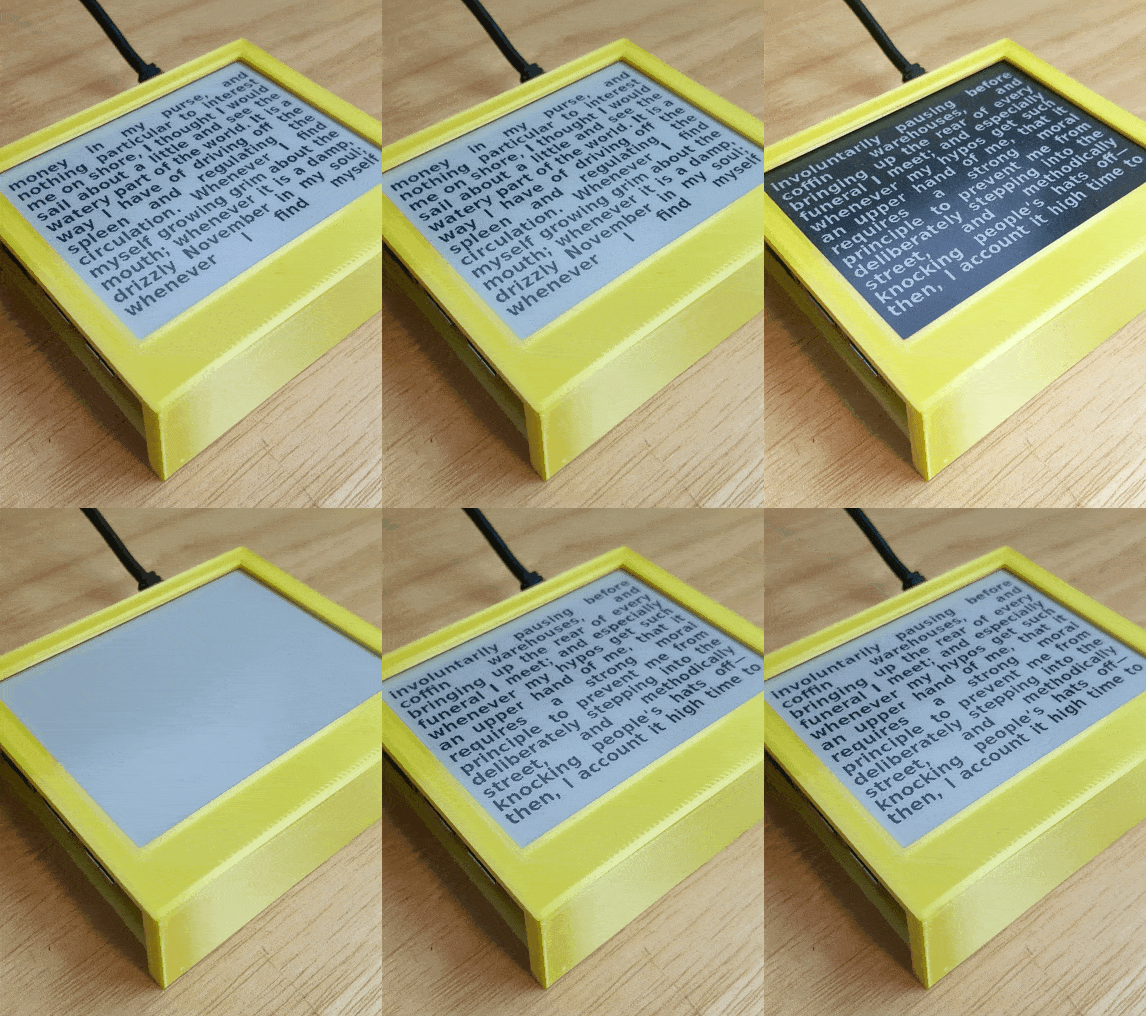
A still frame from the original e-reader demonstration. Open the source image to view the animation and page changes.
samsonmking/epaper.js · View original image
05 / Check the result
Test a page with long text and an unavailable data source. Keep a visible update time and confirm that the display remains understandable in monochrome.
PineMux build note: Keep a record of the board revision, firmware version and first successful test. Follow the upstream guide for exact pins and commands.
06 / Sources & build notes
- samsonmking/epaper.js — original project, documentation and code
- Waveshare hardware reference linked by the project
Upstream attention: 783 GitHub stars, checked 30 September 2026. Stars indicate community interest, not a reliability guarantee.
Original project by samsonmking. This PineMux editorial overview is based on the linked primary source; PineMux has not bench-tested this build.