
01 / Project overview
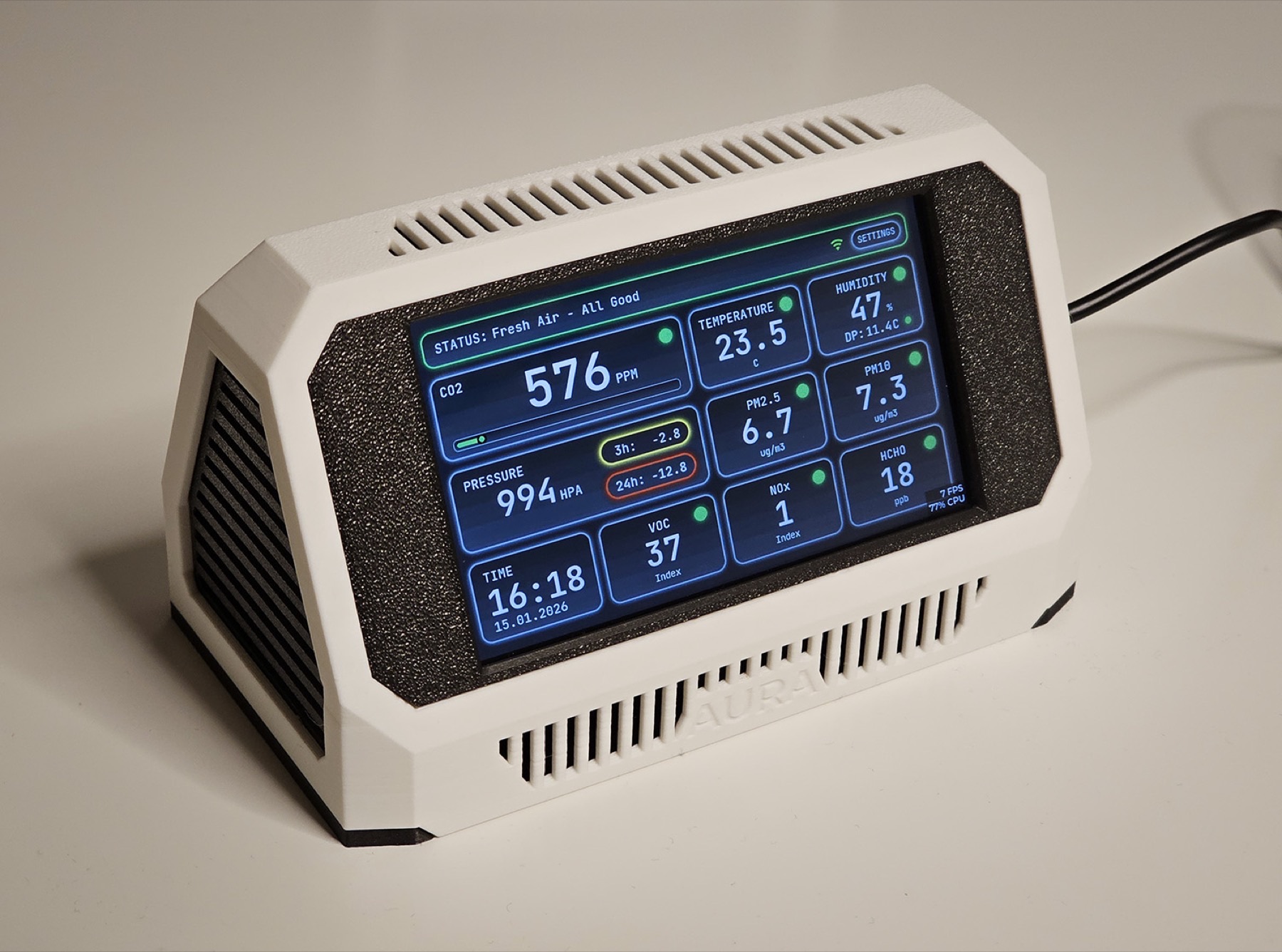
Volodymyr Papush’s Project Aura AQ is a documented air-quality station built around a Waveshare ESP32-S3 touchscreen. It combines a local interface with a web dashboard and MQTT/Home Assistant integration. The firmware repository identifies the supported boards and sensor hardware, while the project site provides assembly and release guidance.
02 / Materials & software
- Waveshare ESP32-S3-Touch-LCD-4.3 or 7-inch model with 16 MB flash
- Sensirion SEN66
- stable 5 V supply
- supported enclosure
FROM THE ORIGINAL PROJECT
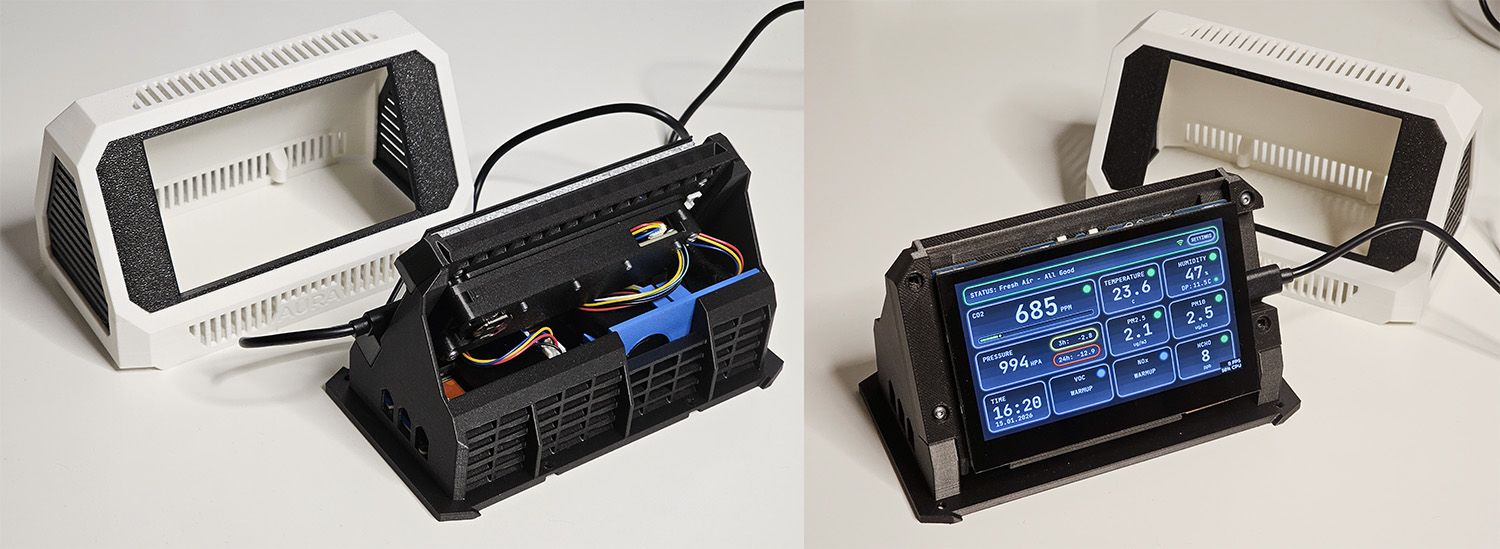
The original assembly overview shows the enclosure and hardware before the finished dashboard.
21cncstudio/project_aura · View original image
03 / Compatibility & setup notes
The project warns that the 7-inch v1.2.0 update requires its complete dedicated procedure and must not use the 4.3-inch OTA file. Some enclosure/build resources have separate access terms.
FROM THE ORIGINAL PROJECT
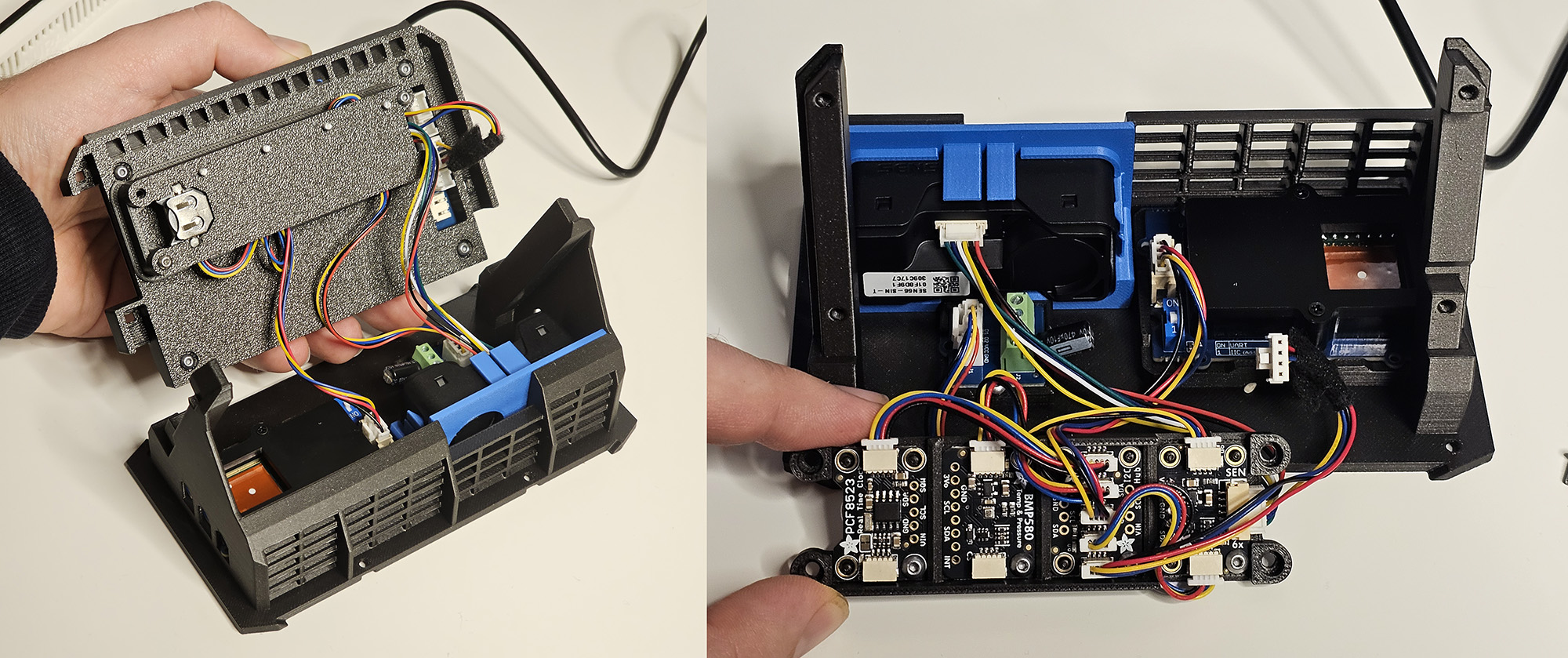
The author’s internal hardware photo provides a visual reference for cable routing and available space.
21cncstudio/project_aura · View original image
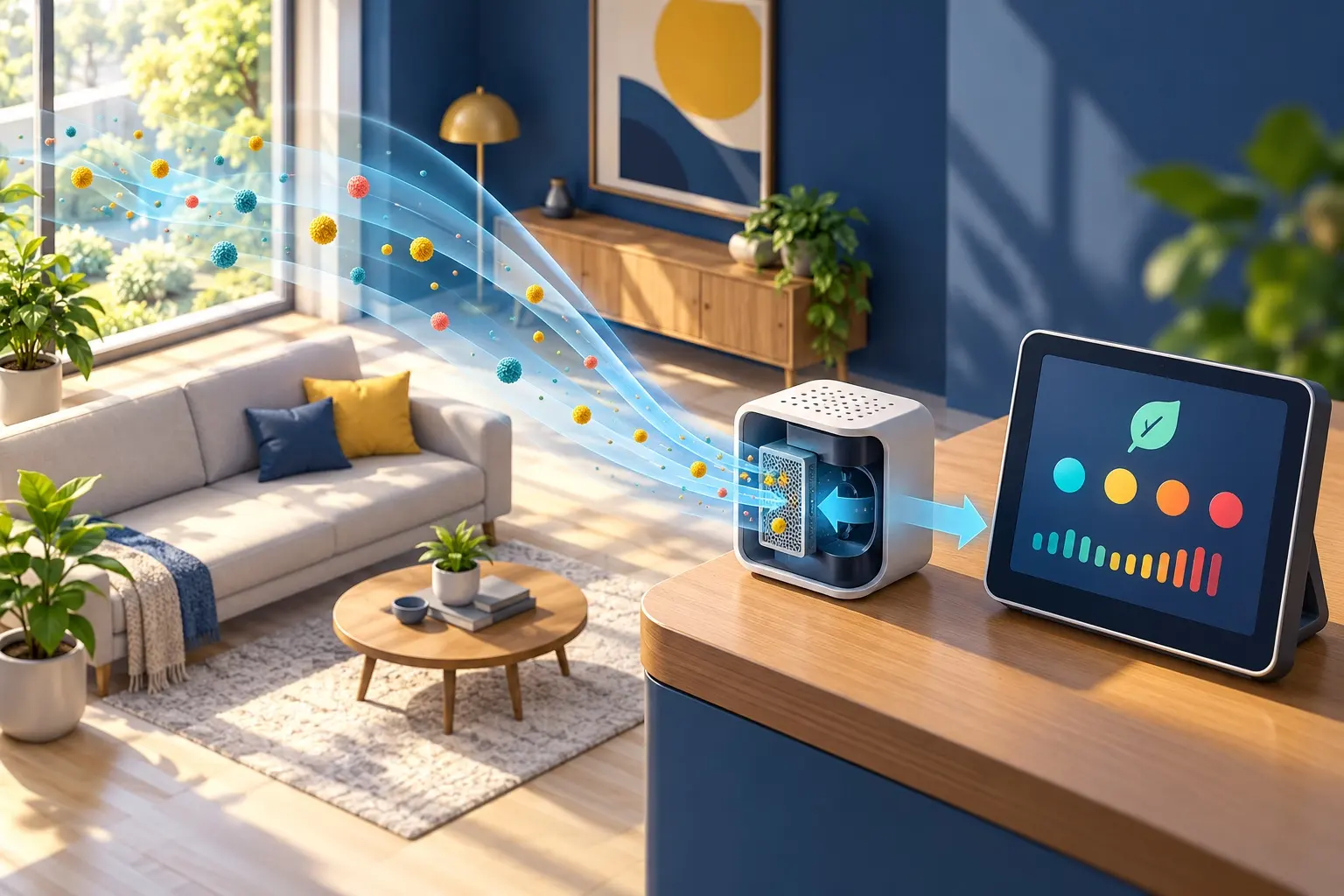
AI CONCEPT
A conceptual room-air, sensor and local-display workflow. AI-generated illustration; not the original project, a wiring guide or a tested build.
04 / Build the project
- Choose the documented 4.3-inch or 7-inch build and verify 16 MB flash.
- Follow the current wiring and installer instructions for that exact display version.
- Confirm local sensor readings before connecting MQTT and adding optional functions.
05 / Check the result
Check sensor availability, display units and stale readings. Compare local and Home Assistant values after a reconnect, and preserve the version-specific wiring record.
PineMux build note: Keep a record of the board revision, firmware version and first successful test. Follow the upstream guide for exact pins and commands.
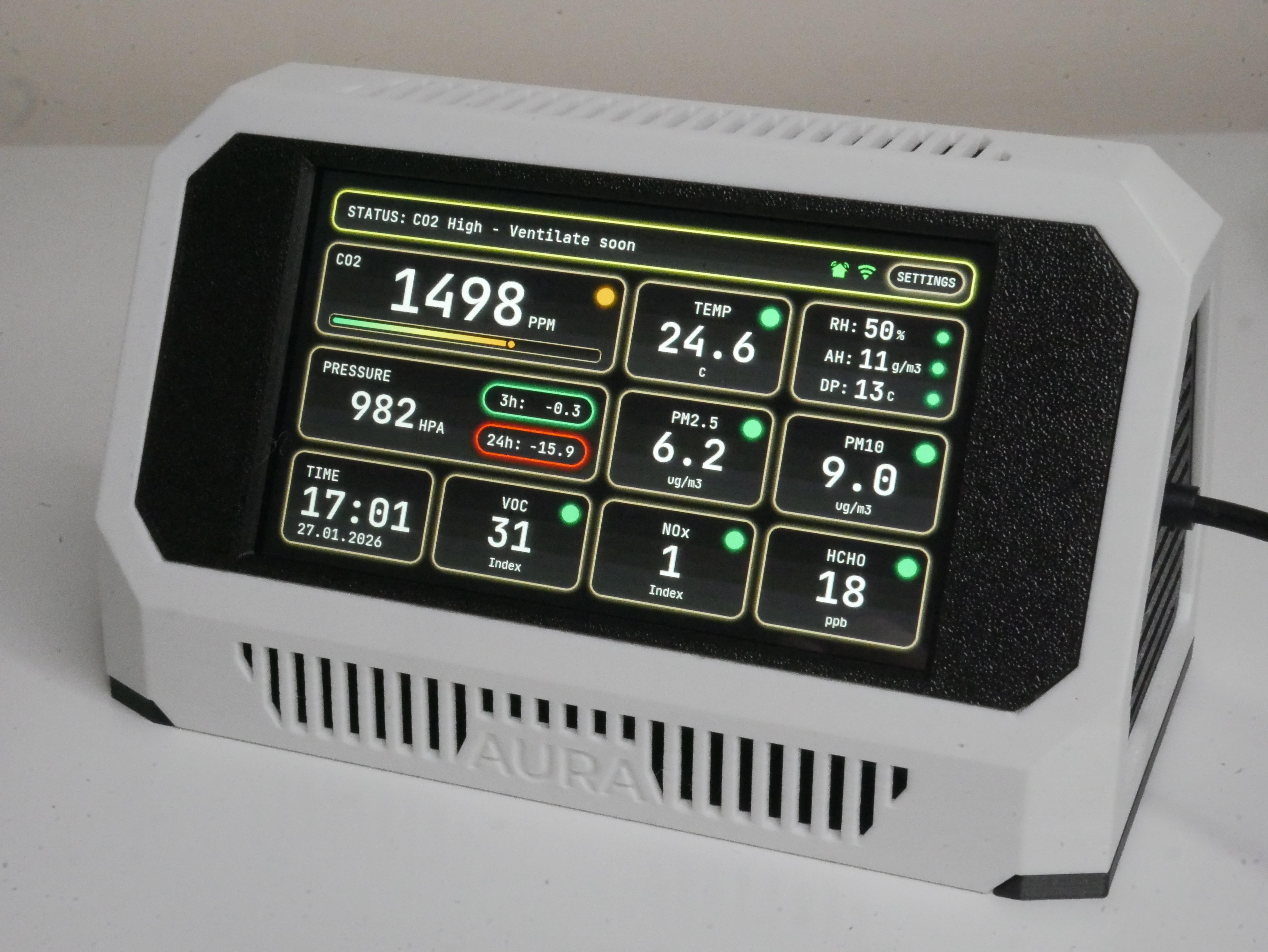
FROM THE ORIGINAL PROJECT
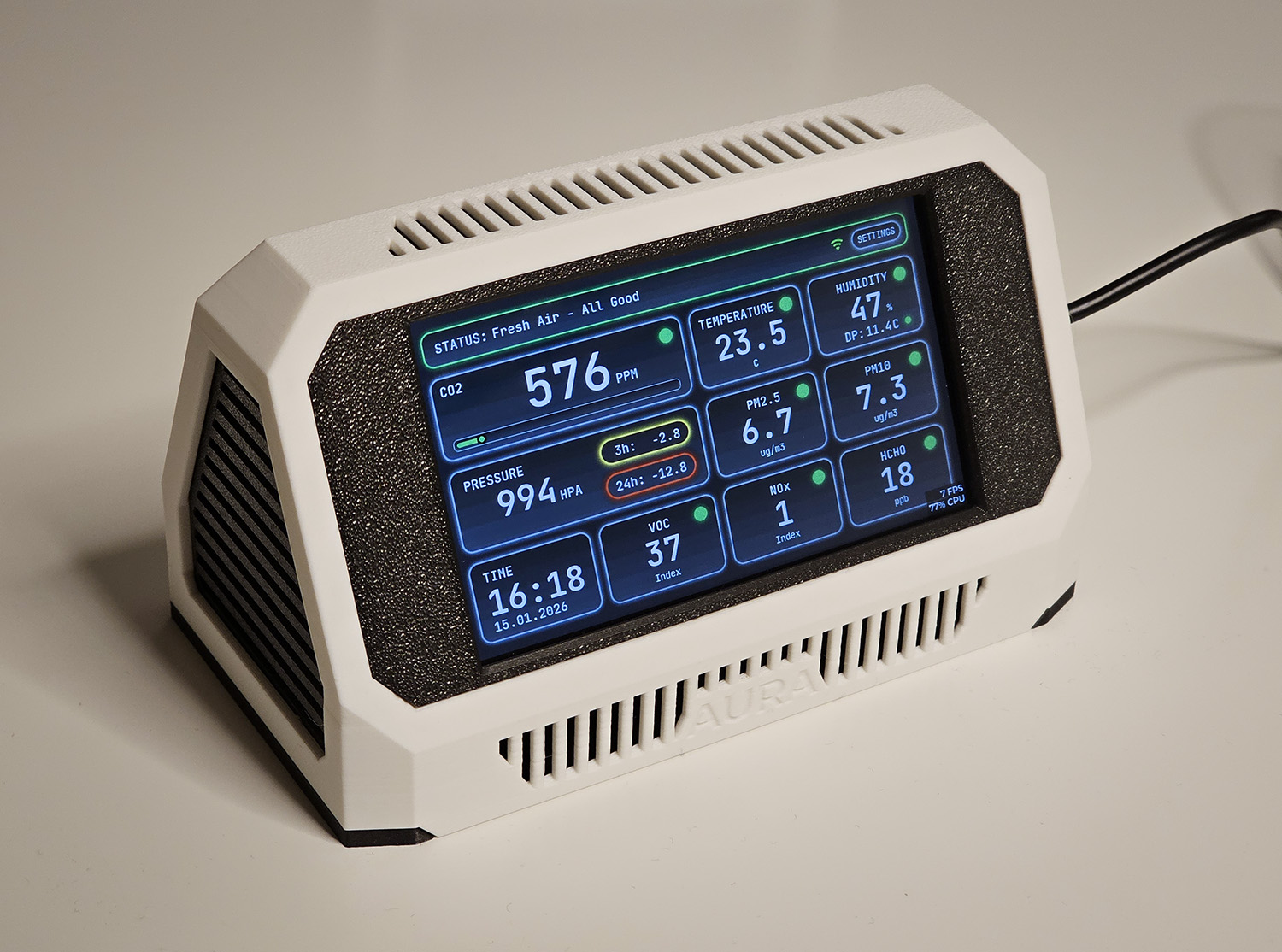
The original Aura interface groups environmental readings into an at-a-glance dashboard. Values shown belong to the source example.
21cncstudio/project_aura · View original image
06 / Sources & build notes
- 21cncstudio/project_aura — original project, documentation and code
- Waveshare hardware reference linked by the project
Upstream attention: 763 GitHub stars, checked 30 September 2026. Stars indicate community interest, not a reliability guarantee.
Original project by 21cncstudio. This PineMux editorial overview is based on the linked primary source; PineMux has not bench-tested this build.