
01 / Project overview
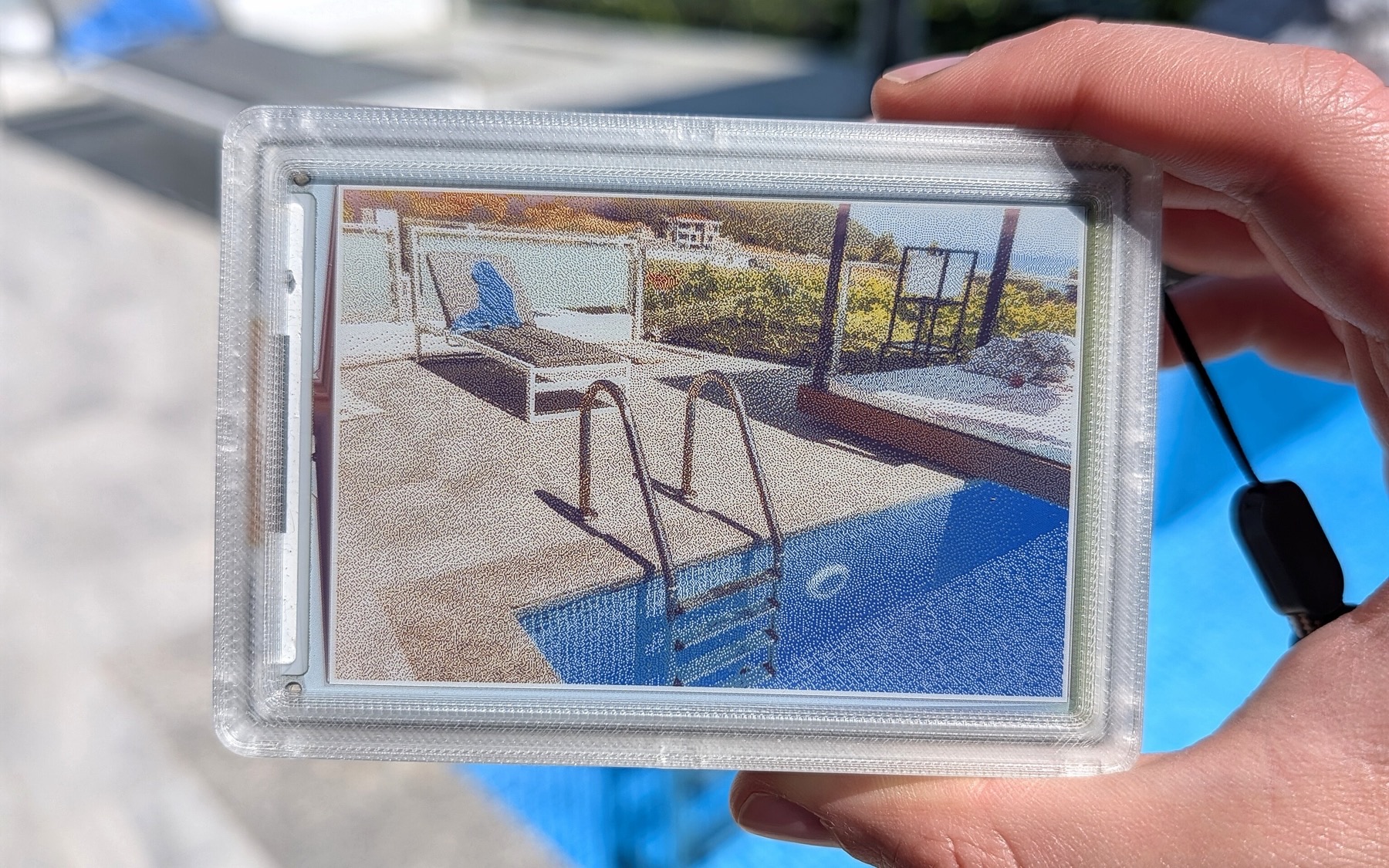
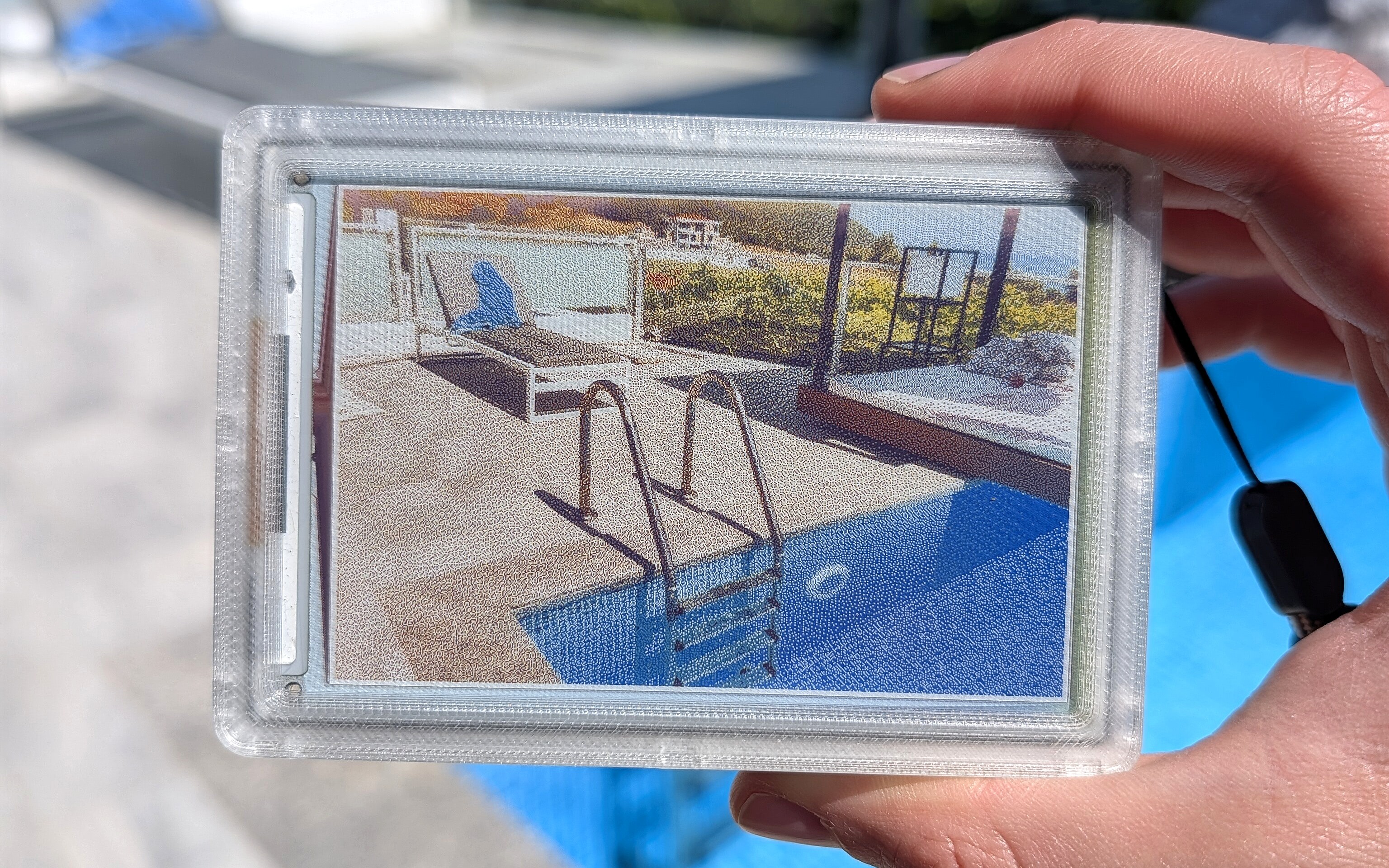
Kaloyan Kolev’s reFrame is a real experimental camera that presents one photograph at a time on a six-color e-paper screen. The documented open version uses off-the-shelf hardware and can double as a desk frame. Its slower display update is part of the interaction: taking a photograph and waiting for the picture to appear are separate moments.
FROM THE ORIGINAL PROJECT
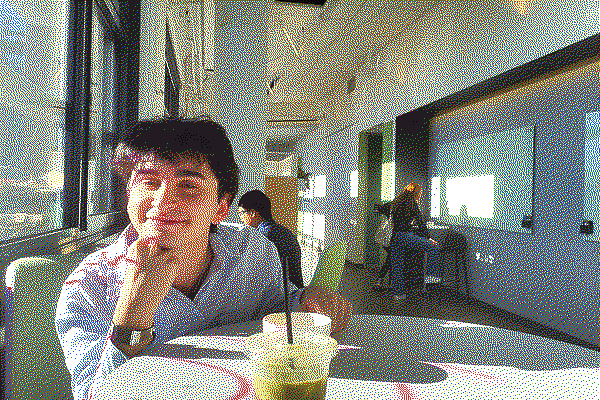
One of the author’s dithered sample images for the color e-paper display.
kaloyaan/reframe · View original image

FROM THE ORIGINAL PROJECT
A second original output sample shows how different colors and textures are rendered.
kaloyaan/reframe · View original image
02 / Materials & software
- Raspberry Pi Zero 2 W
- Camera Module 3
- Waveshare 4-inch Spectra 6 display
- PiSugar 3
- printed enclosure
03 / Compatibility & setup notes
The color display refresh is intentionally slow, and the shown image remains when power is removed. Software, hardware files and documentation have distinct license notices.
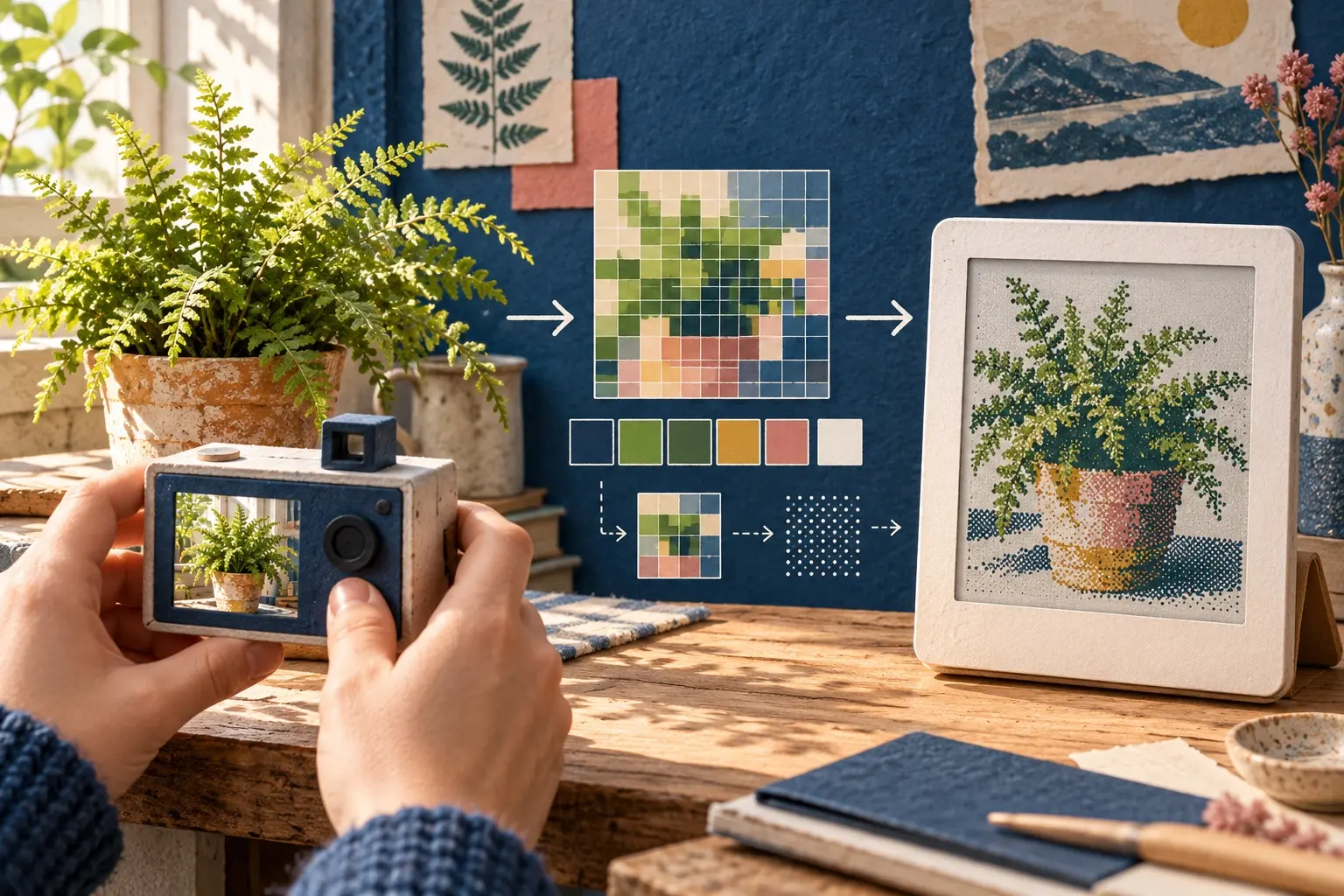
AI CONCEPT
A conceptual journey from a camera image to a limited-color e-paper picture. AI-generated illustration; not the original project, a wiring guide or a tested build.
04 / Build the project
- Compare the bill of materials with the published build guide.
- Verify the camera and Waveshare display separately before fitting the enclosure.
- Follow the software setup and test the shutter-to-display flow on stable power before configuring the battery.
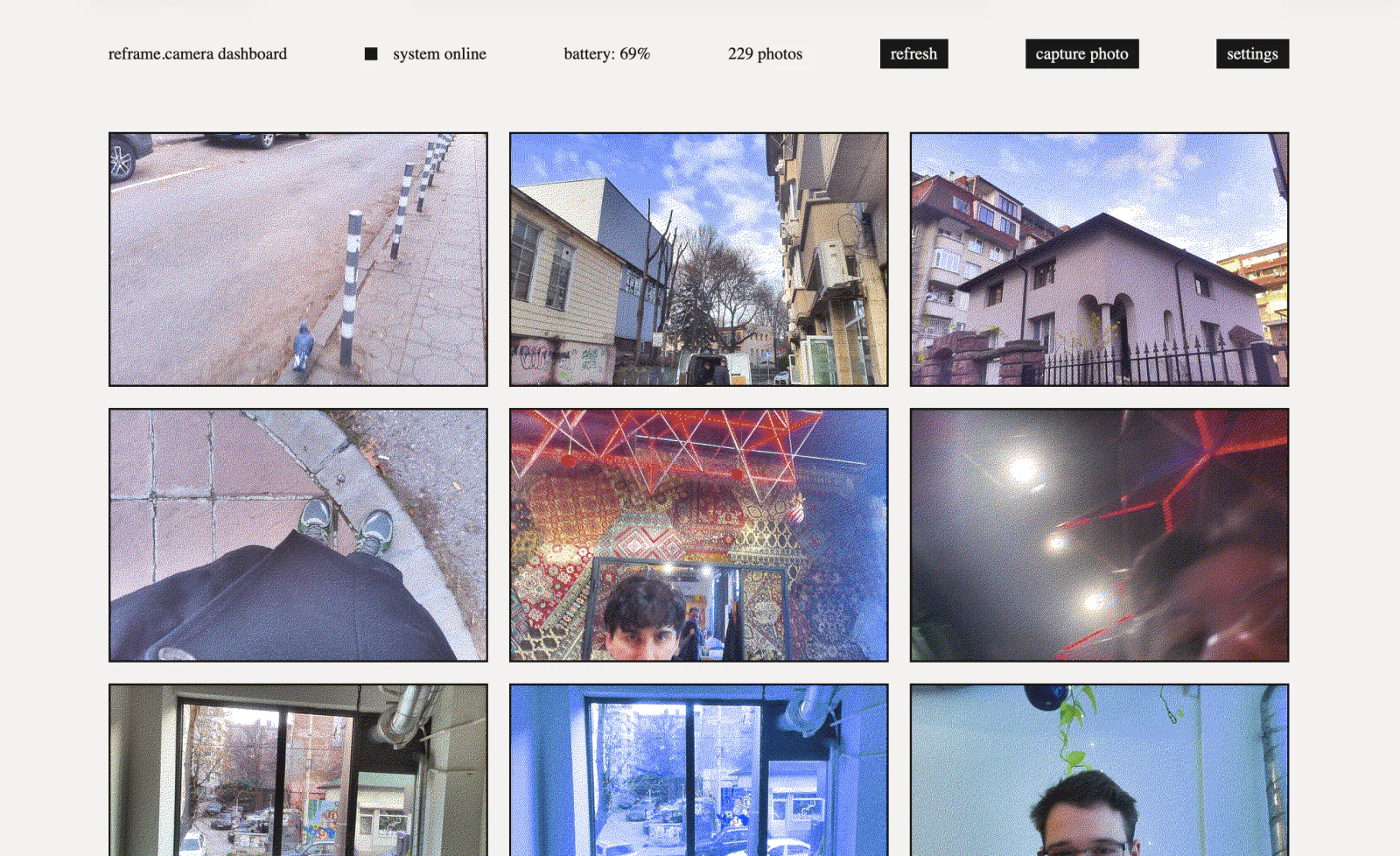
FROM THE ORIGINAL PROJECT
The original browser dashboard exposes the project’s gallery and camera controls.
kaloyaan/reframe · View original image
05 / Check the result
Test a bright scene, a darker scene and repeated captures. Judge the dithered output on the physical panel rather than expecting LCD-like color or live view.
PineMux build note: Keep a record of the board revision, firmware version and first successful test. Follow the upstream guide for exact pins and commands.
06 / Sources & build notes
- kaloyaan/reframe — original project, documentation and code
- Waveshare hardware reference linked by the project
Upstream attention: 624 GitHub stars, checked 30 September 2026. Stars indicate community interest, not a reliability guarantee.
Original project by kaloyaan. This PineMux editorial overview is based on the linked primary source; PineMux has not bench-tested this build.