
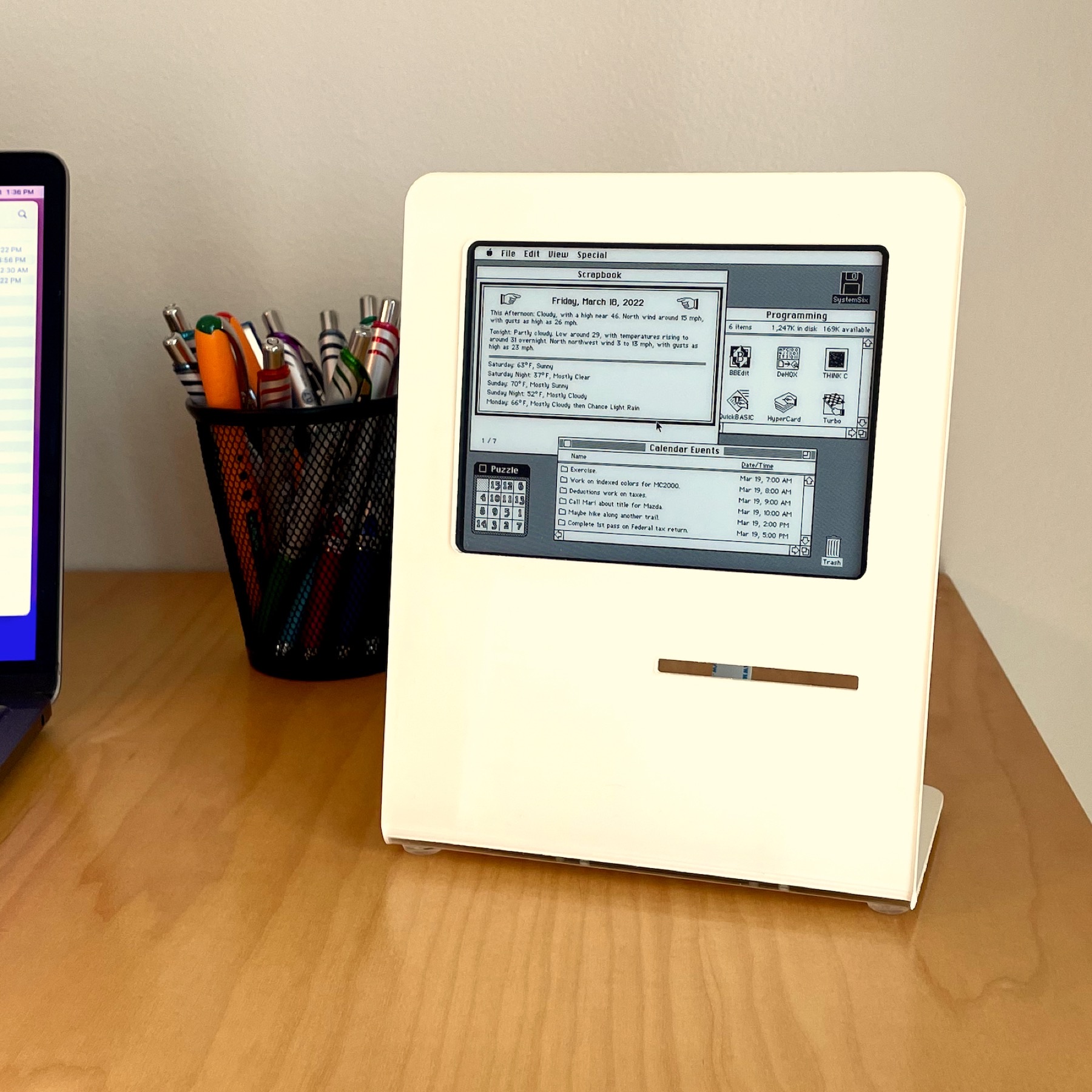
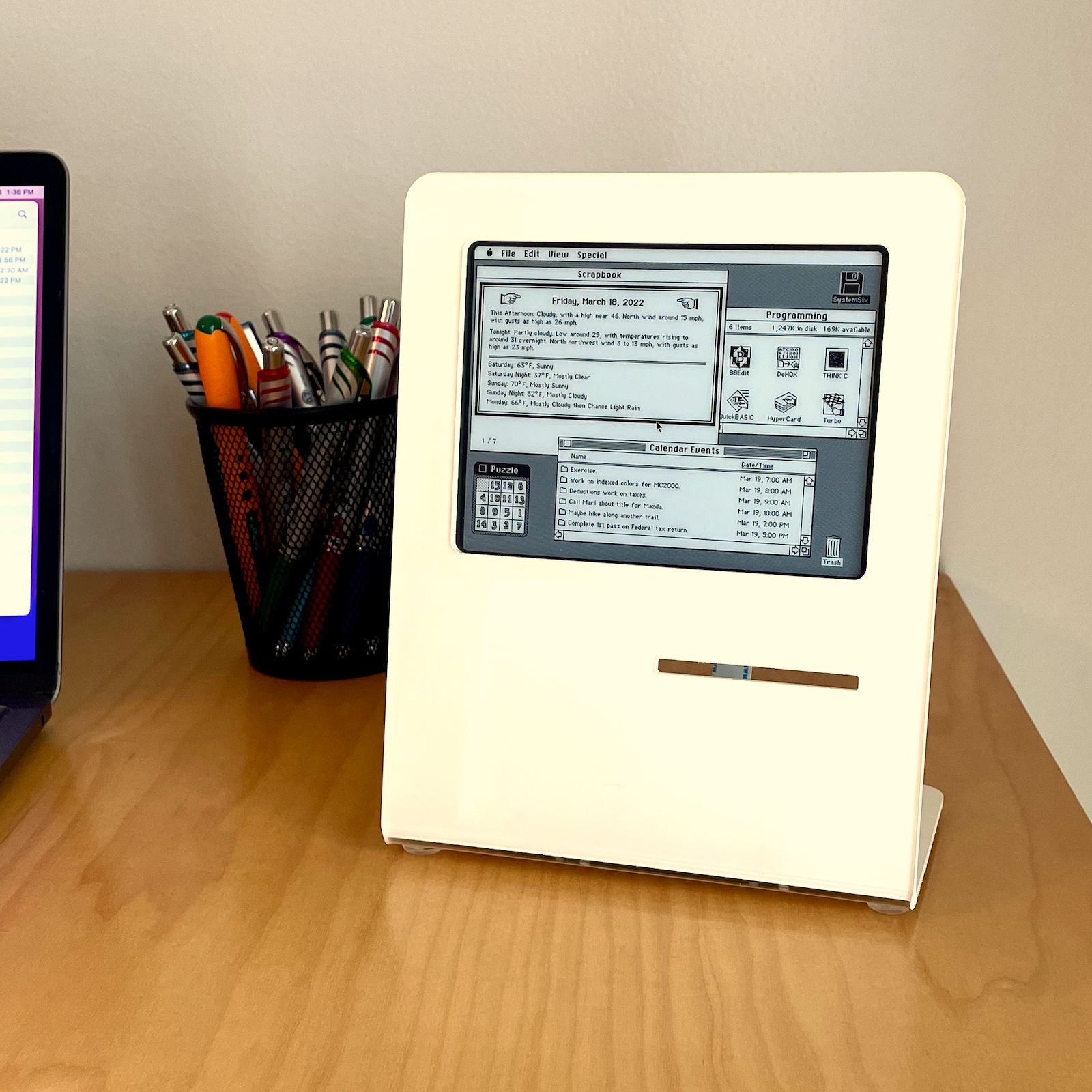
01 / Project overview
SystemSix is a published Raspberry Pi desk display that borrows the visual language of the early Macintosh. It can show the date, calendar events, weather and moon information on a Waveshare e-paper panel. The author is clear about the interaction model: the desktop-like image is a changing information display, not a clickable computer desktop.
02 / Materials & software
- Raspberry Pi
- Waveshare 5.83-inch 648 × 480 e-paper display
- enclosure or stand
- configured data sources
03 / Compatibility & setup notes
The 5.83-inch screen is not the resolution of an original Macintosh. Do not expect Macintosh software or interactive windows; check the author’s notices before reusing decorative assets.
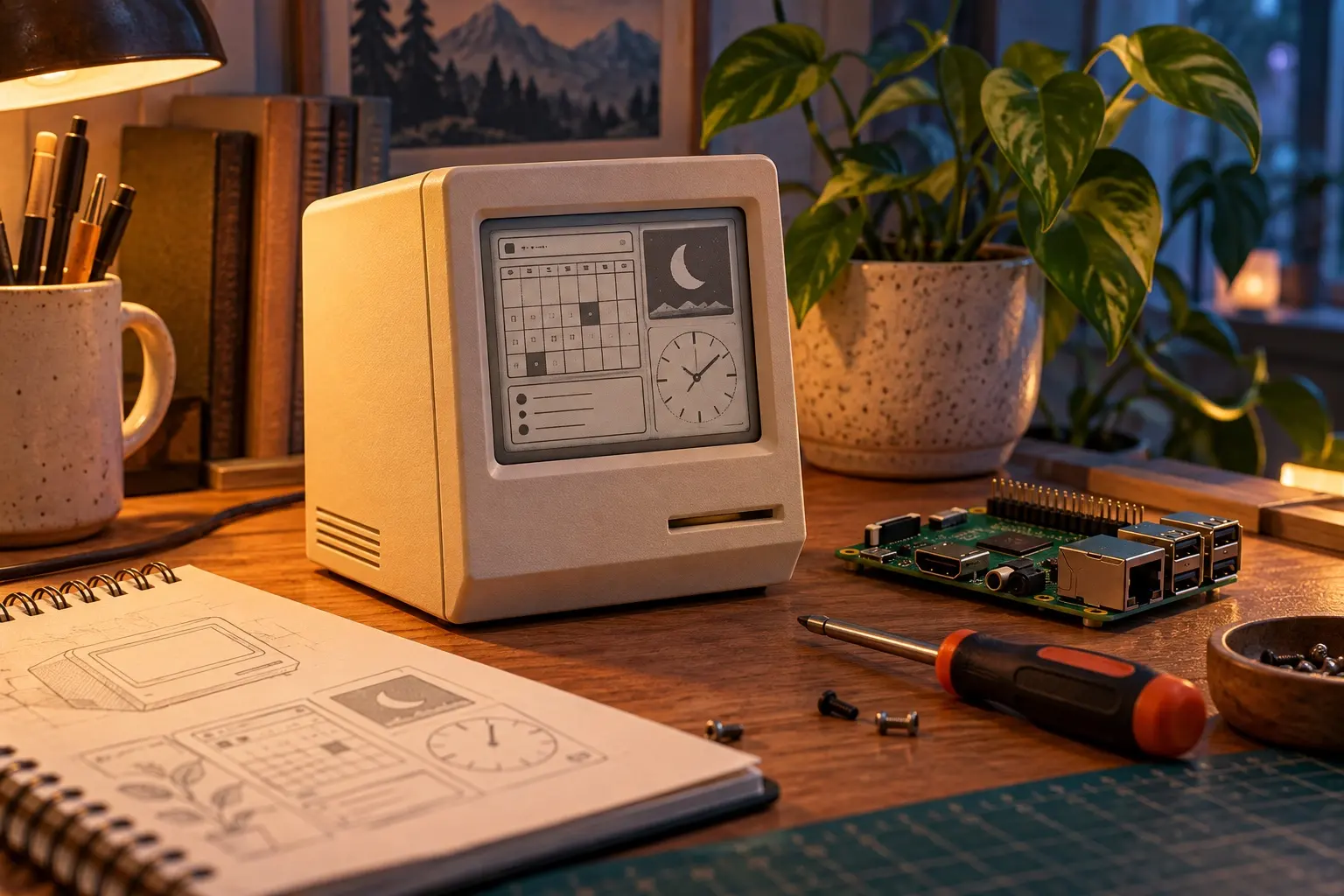
AI CONCEPT
A conceptual retro desktop information display. AI-generated illustration; not the original project, a wiring guide or a tested build.
04 / Build the project
- Use the original panel dimensions when planning the frame.
- Follow the repository’s running and settings instructions and configure the data sources you intend to use.
- Test the rendered output and schedule before putting the Pi into an enclosure.
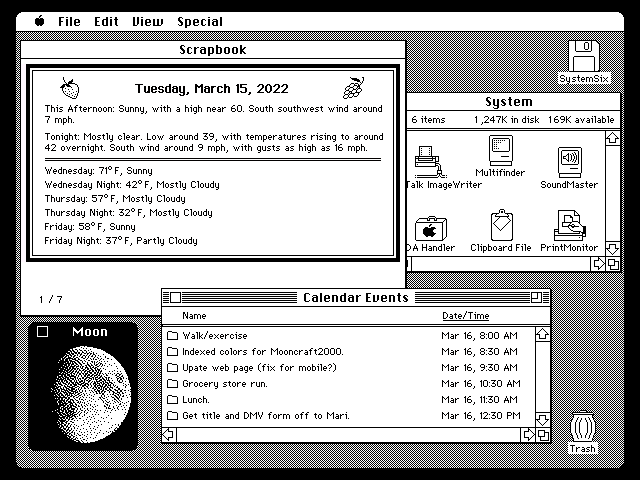
FROM THE ORIGINAL PROJECT
SystemSix’s original display sample combines a calendar and small information panels in a desktop-style layout.
EngineersNeedArt/SystemSix · View original image
05 / Check the result
Check calendar events around midnight and confirm that local weather belongs to the intended location. Keep the display readable even when no events are available.
PineMux build note: Keep a record of the board revision, firmware version and first successful test. Follow the upstream guide for exact pins and commands.
06 / Sources & build notes
- EngineersNeedArt/SystemSix — original project, documentation and code
- Waveshare hardware reference linked by the project
Upstream attention: 606 GitHub stars, checked 30 September 2026. Stars indicate community interest, not a reliability guarantee.
Original project by EngineersNeedArt. This PineMux editorial overview is based on the linked primary source; PineMux has not bench-tested this build.