
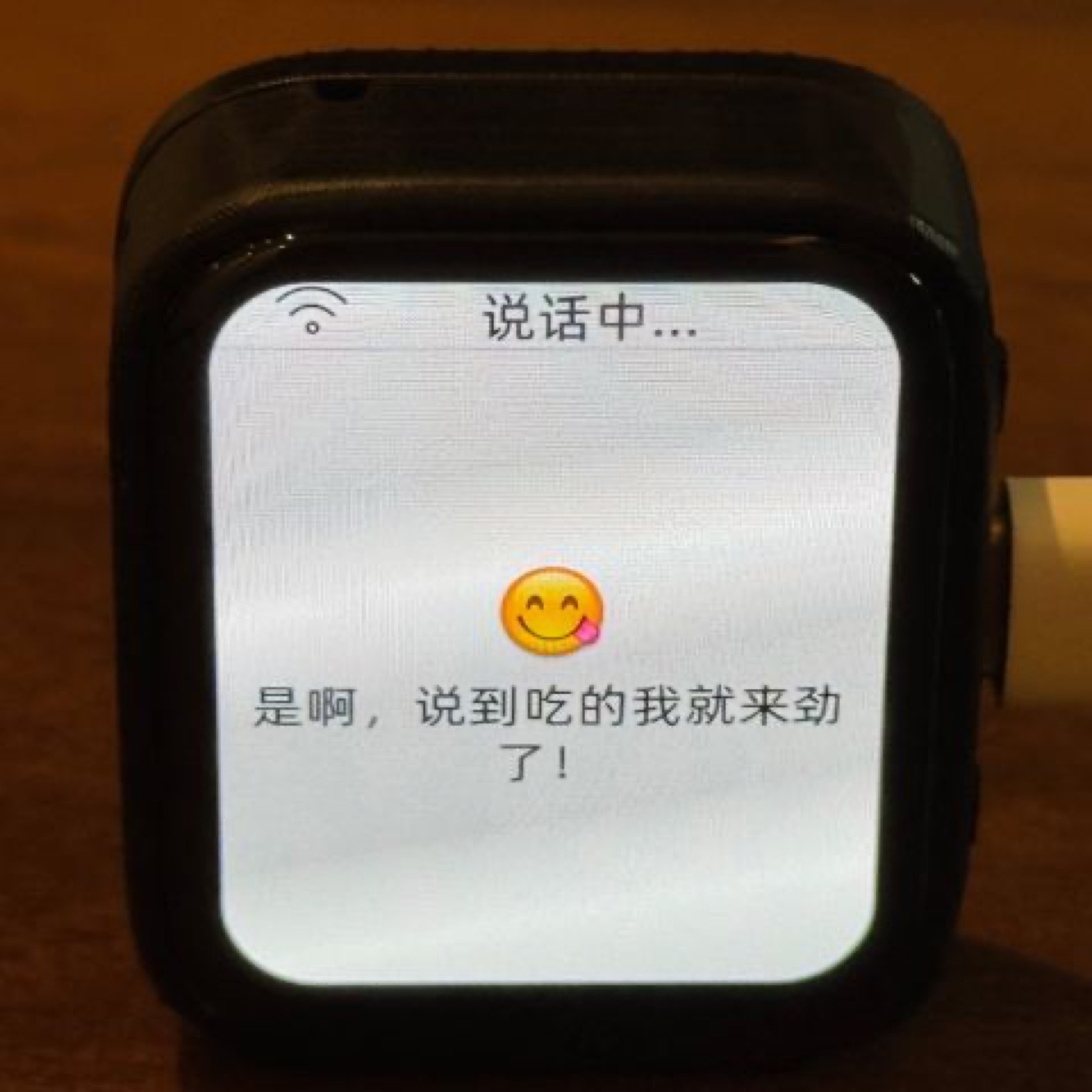

01 / Project overview
XiaoZhi is a real ESP32 voice-assistant project with a large community and a board-specific firmware system. Its supported hardware list includes the Waveshare ESP32-S3-Touch-AMOLED-1.8. The display provides a local interface while audio and network services handle conversation. This is a useful reference for turning a development board into an interactive desk device.
02 / Materials & software
- Waveshare ESP32-S3-Touch-AMOLED-1.8
- microphone and speaker supported by the chosen board
- USB data cable
- Wi-Fi
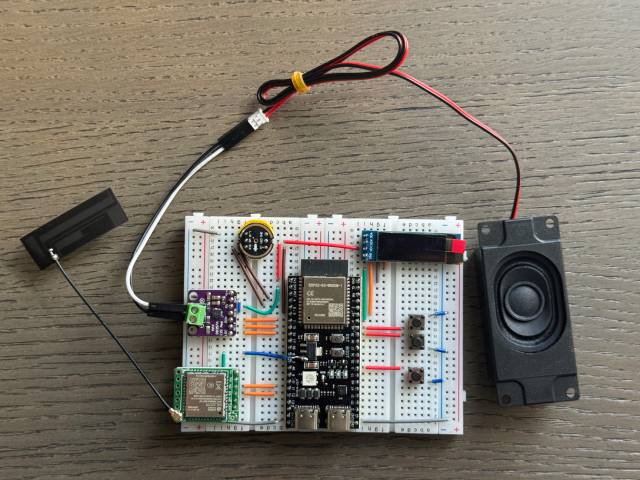
FROM THE ORIGINAL PROJECT
The author’s breadboard prototype illustrates the separate display, microphone and speaker arrangement. This is a different hardware example; use your board-specific pin map.
78/xiaozhi-esp32 · View original image
03 / Compatibility & setup notes
A similarly sized display does not guarantee compatible audio pins or firmware. The current repository requires ESP-IDF 6 for source builds; use its release instructions and selected service requirements.
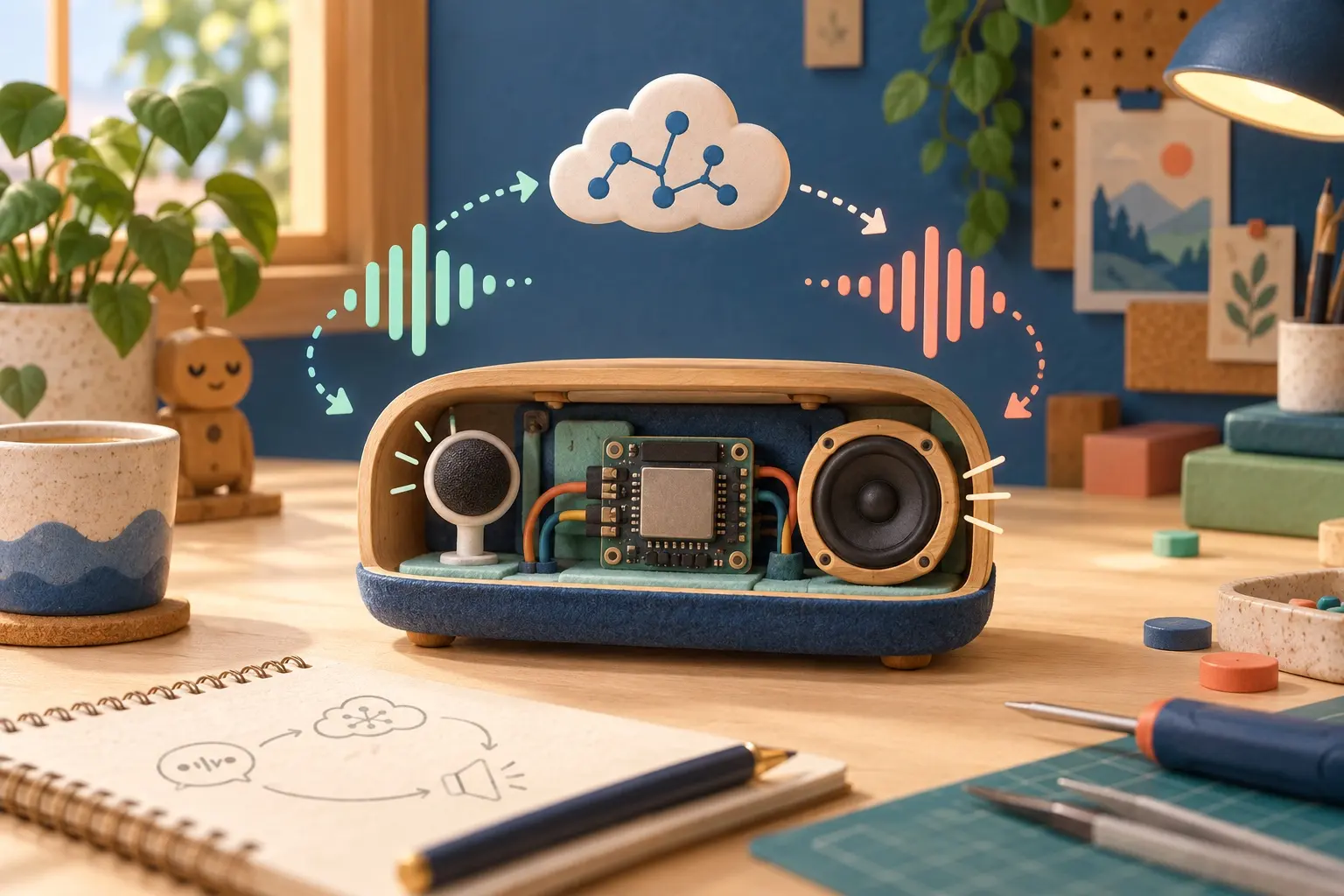
AI CONCEPT
A conceptual listen, process and respond workflow for a voice device. AI-generated illustration; not the original project, a wiring guide or a tested build.
04 / Build the project
- Identify the exact board variant in the current supported-device list.
- Follow the upstream board guide to flash the matching release, then configure its network connection.
- Complete the selected service setup and test a short voice exchange before customizing the screen.
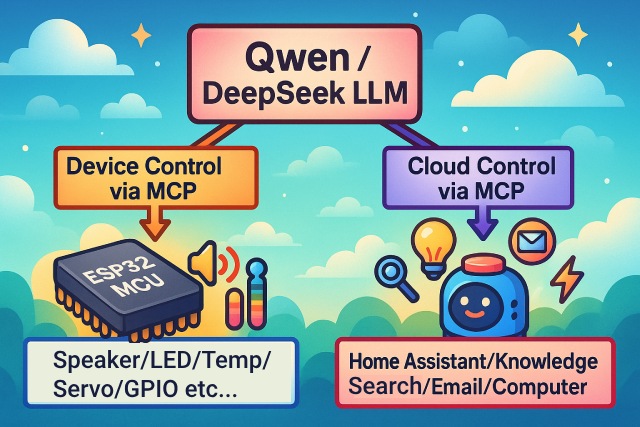
FROM THE ORIGINAL PROJECT
XiaoZhi’s original MCP architecture overview shows how device capabilities and external tools connect.
78/xiaozhi-esp32 · View original image
05 / Check the result
Confirm that the microphone, speaker, touch input and reconnect behavior work independently. Keep a note of the flashed board variant so the build can be reproduced.
PineMux build note: Keep a record of the board revision, firmware version and first successful test. Follow the upstream guide for exact pins and commands.
06 / Sources & build notes
- 78/xiaozhi-esp32 — original project, documentation and code
- Waveshare hardware reference linked by the project
Upstream attention: 30,310 GitHub stars, checked 30 September 2026. Stars indicate community interest, not a reliability guarantee.
Original project by 78. This PineMux editorial overview is based on the linked primary source; PineMux has not bench-tested this build.