
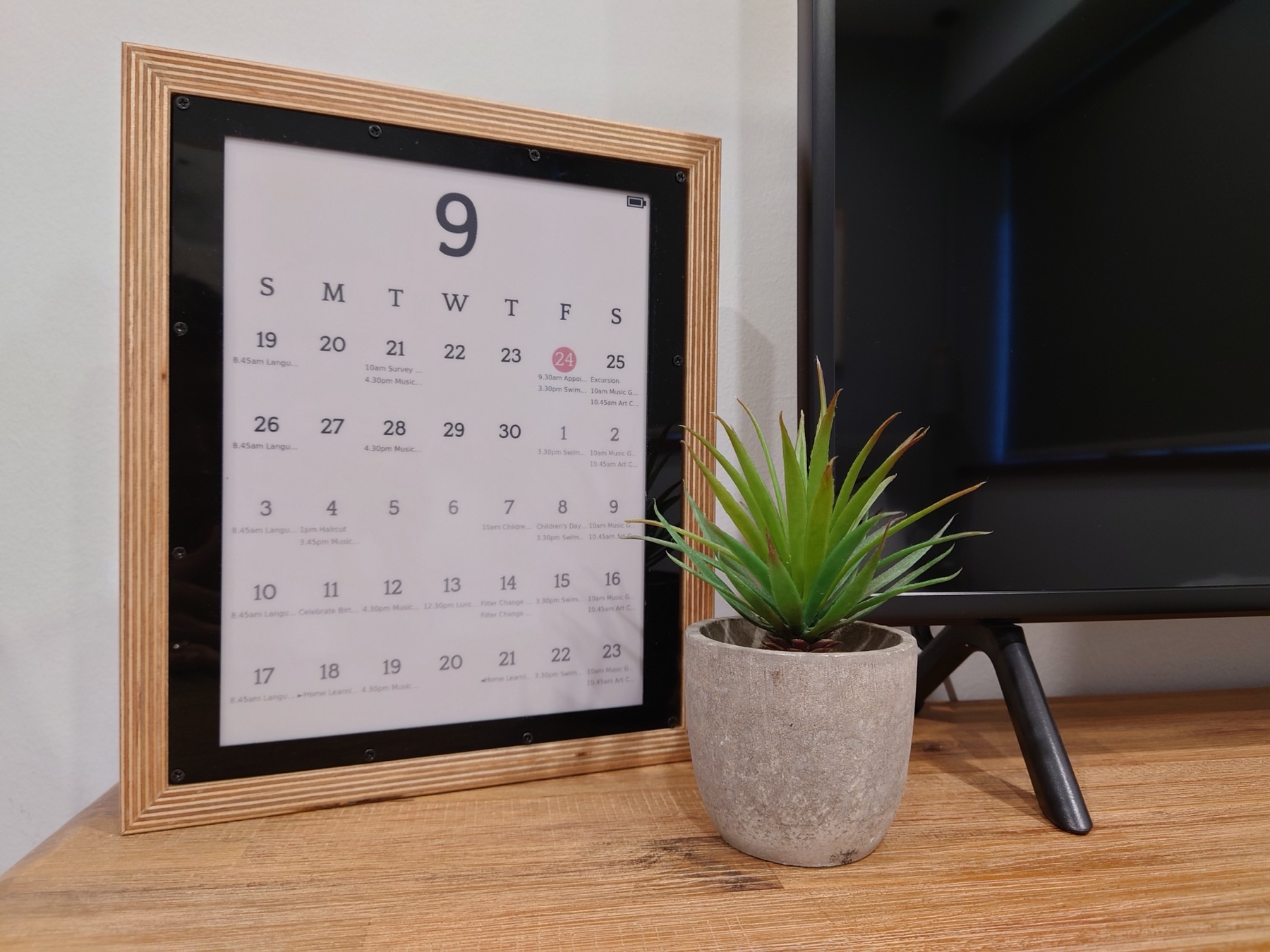
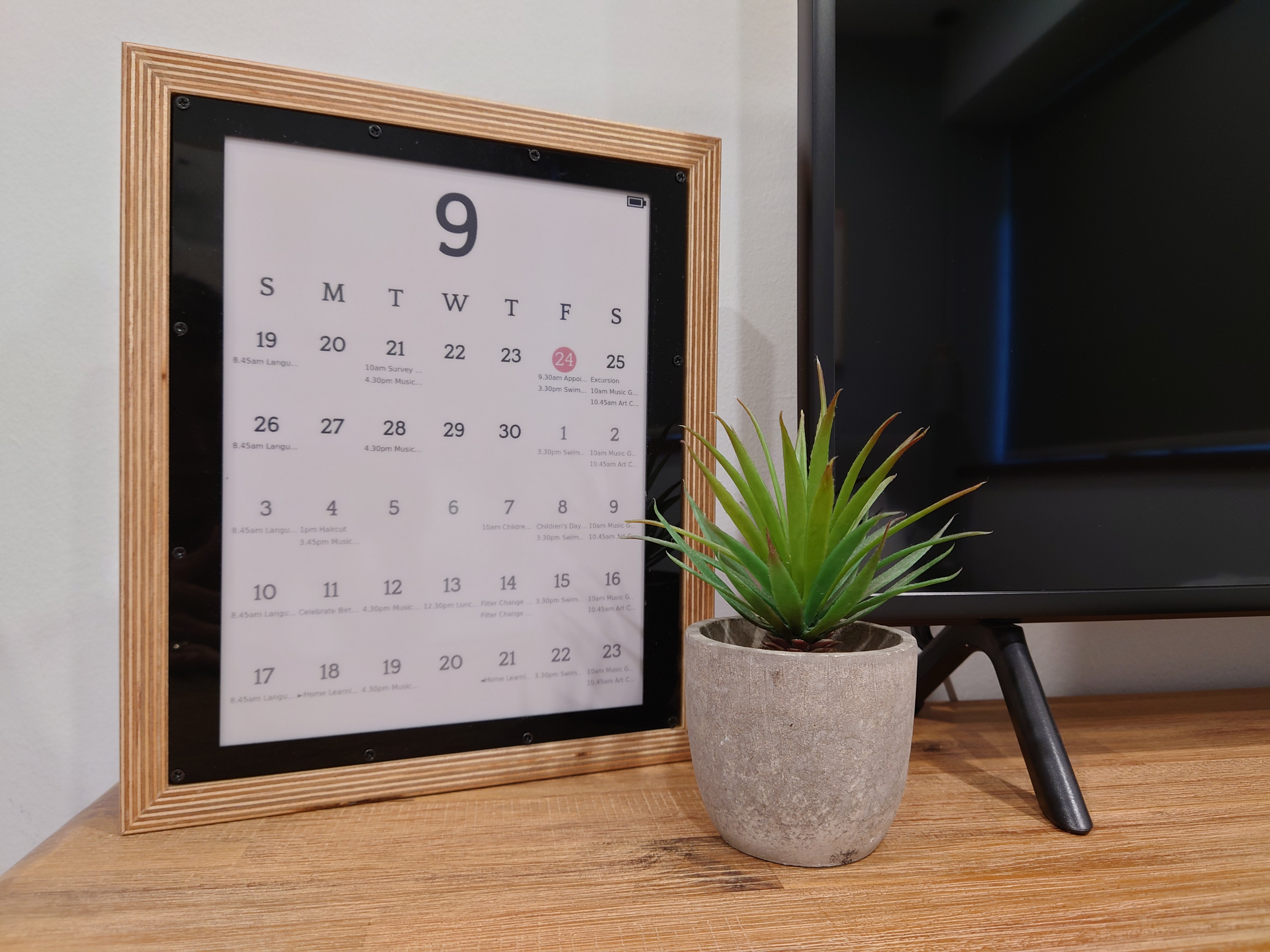
01 / Project overview
MagInkCal is an independently documented wall-calendar build. It retrieves Google Calendar events on a Raspberry Pi Zero, renders a calendar image and updates a Waveshare 12.48-inch three-color display. A PiSugar battery and clock support a wake, update and shutdown cycle, allowing the finished calendar to be positioned without a permanently attached power cable.
FROM THE ORIGINAL PROJECT
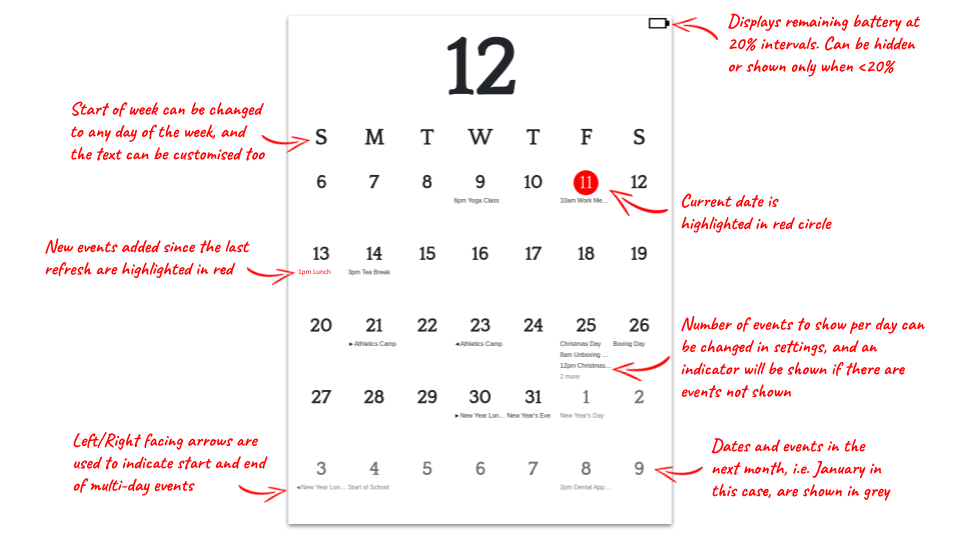
The author’s annotated calendar sample explains the month grid, weekday placement and highlighted dates.
speedyg0nz/MagInkCal · View original image
02 / Materials & software
- Raspberry Pi Zero WH
- Waveshare 12.48-inch tri-color module
- PiSugar2 battery/RTC
- frame
- microSD card
03 / Compatibility & setup notes
The author tested this particular display and PiSugar combination. Other screen sizes or battery controllers require adaptation; the project is not a universal calendar firmware image.
AI CONCEPT
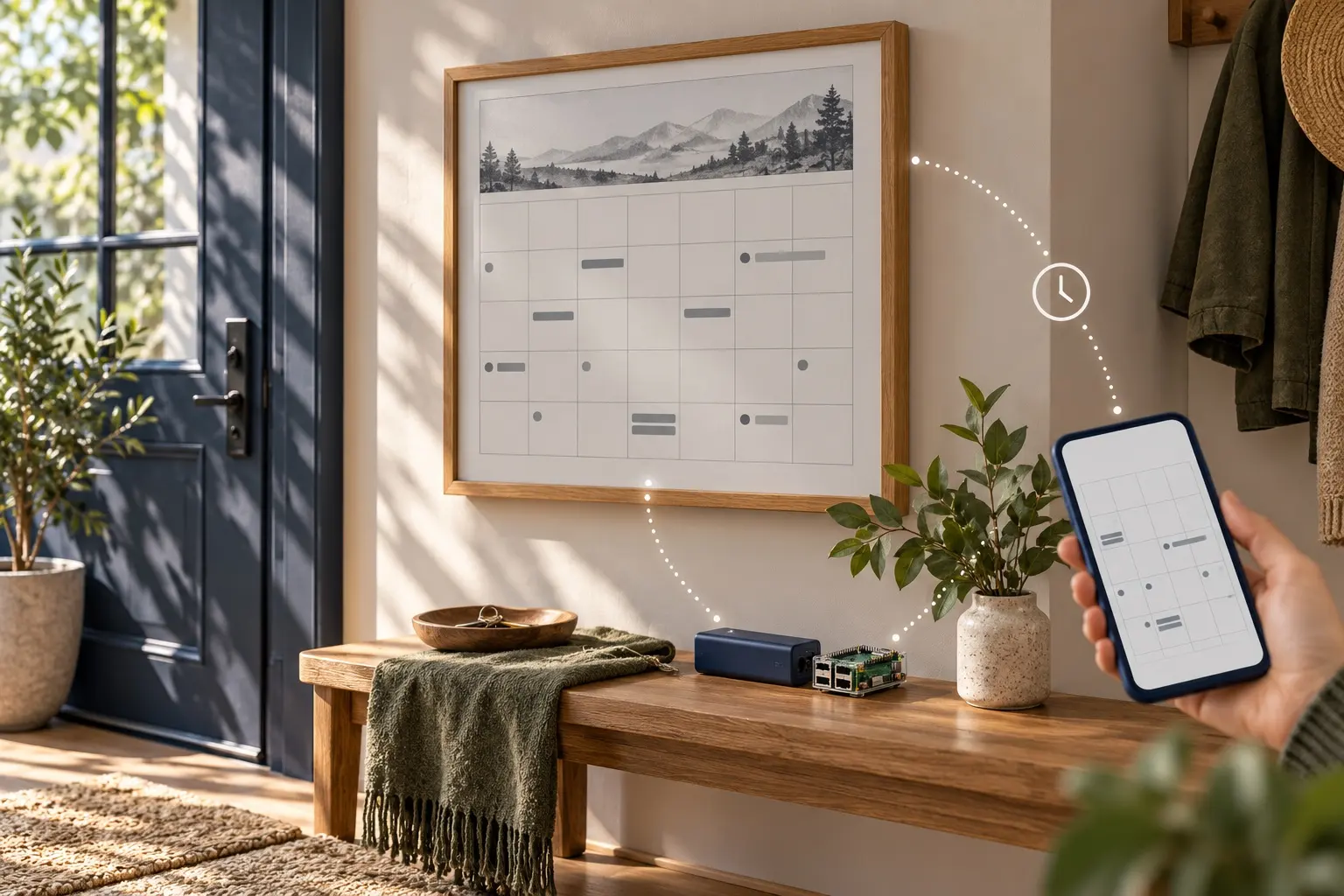
A conceptual calendar display with scheduled synchronization. AI-generated illustration; not the original project, a wiring guide or a tested build.
04 / Build the project
- Compare the complete bill of materials with the original hardware combination.
- Set up the Pi and the Google Calendar connection, then generate the calendar image before enabling the display update.
- Configure the documented wake and shutdown sequence only after the calendar and display work on stable power.
05 / Check the result
Add a test event to a dedicated calendar, check its date and timezone, and confirm that it appears after the next planned update. Check battery behavior separately from event rendering.
PineMux build note: Keep a record of the board revision, firmware version and first successful test. Follow the upstream guide for exact pins and commands.
06 / Sources & build notes
- speedyg0nz/MagInkCal — original project, documentation and code
- Waveshare hardware reference linked by the project
Upstream attention: 3,271 GitHub stars, checked 30 September 2026. Stars indicate community interest, not a reliability guarantee.
Original project by speedyg0nz. This PineMux editorial overview is based on the linked primary source; PineMux has not bench-tested this build.