

01 / Project overview
David Bird’s ESP32 weather-display repository contains examples for several Waveshare screen sizes. Each example adapts the weather layout to a specific panel, which makes the project useful when comparing a compact desk display with a larger forecast board. The current documentation references OpenWeatherMap and explains differences between older and newer display hardware.
02 / Materials & software
- ESP32 development board
- a supported Waveshare display size
- compatible driver board
- USB power
- weather-service account
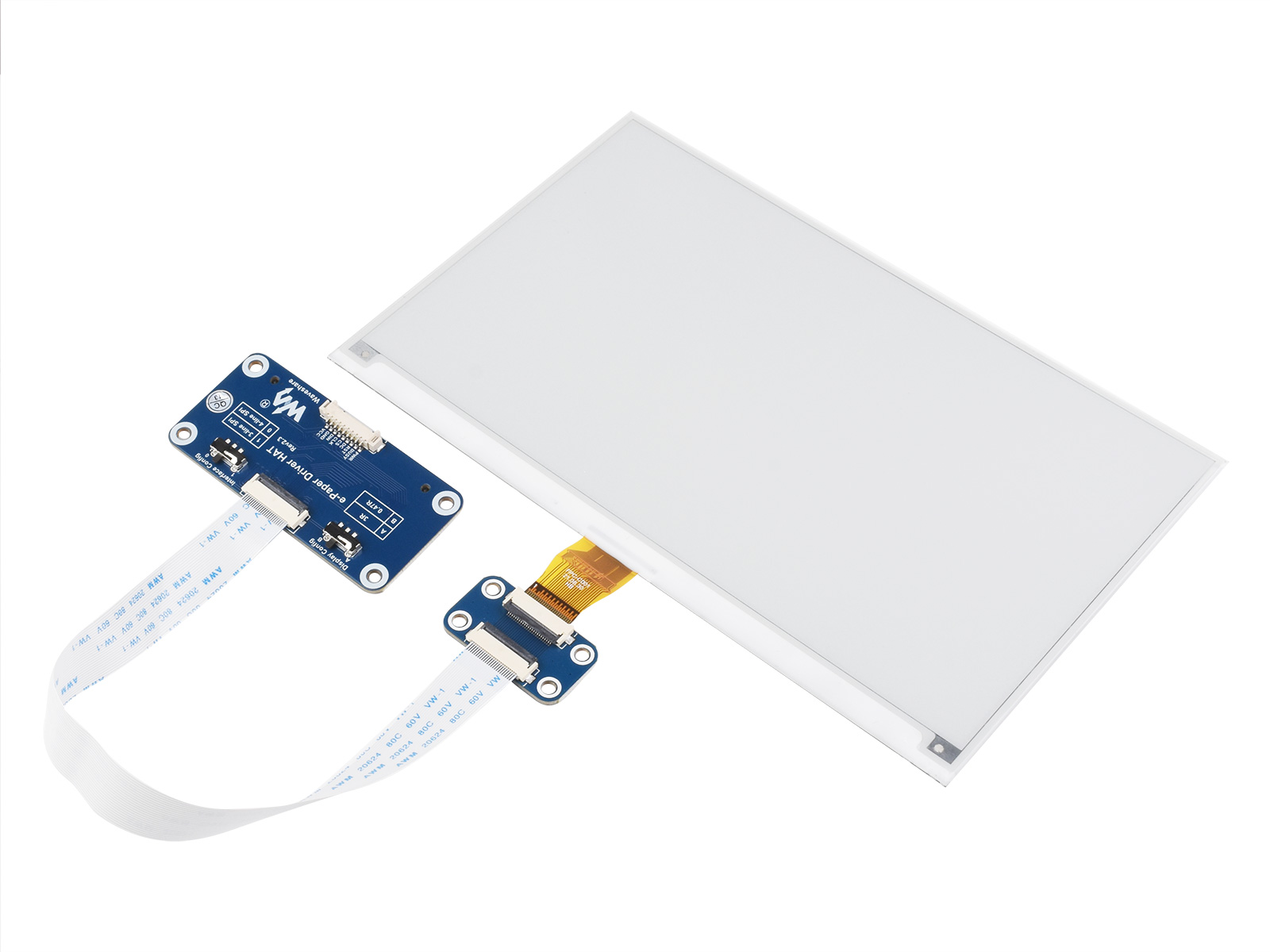
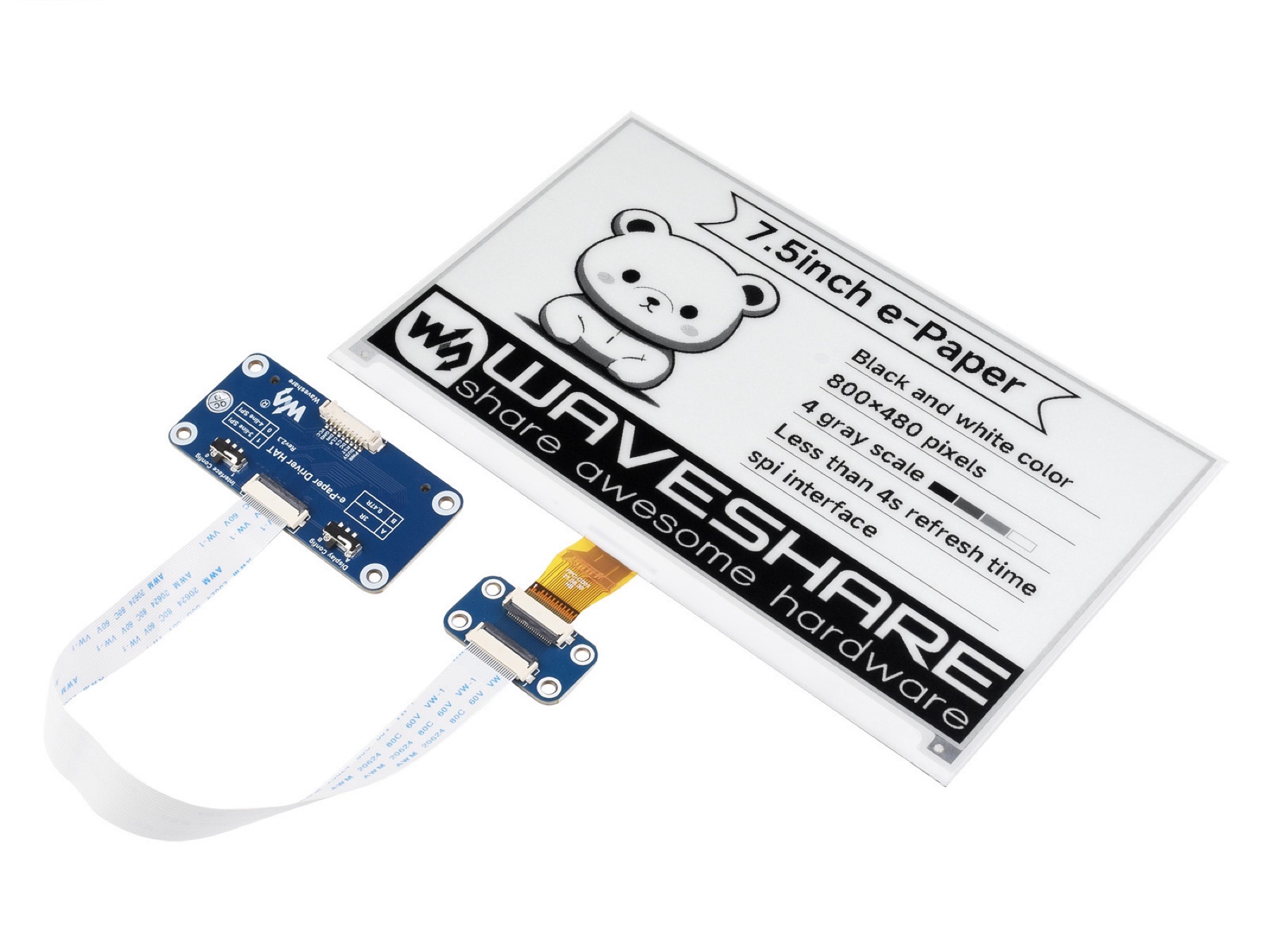
HARDWARE REFERENCE
Manufacturer hardware detail. Match the actual panel and driver revision before choosing a weather-display example.
Waveshare · View original image
03 / Compatibility & setup notes
Older repository descriptions mention Weather Underground, while the current instructions use OpenWeatherMap. Check the actual example and current API terms; do not copy an old endpoint without verifying it.
04 / Build the project
- Choose the example that matches the panel model and resolution.
- Install the dependencies named by that example and configure location coordinates and the selected weather API.
- Check the reset and initialization settings for the HAT revision before uploading the sketch.
05 / Check the result
Confirm that the full layout fits the panel and that the forecast timestamp advances. Record the example folder, driver library version and screen revision together.
PineMux build note: Keep a record of the board revision, firmware version and first successful test. Follow the upstream guide for exact pins and commands.
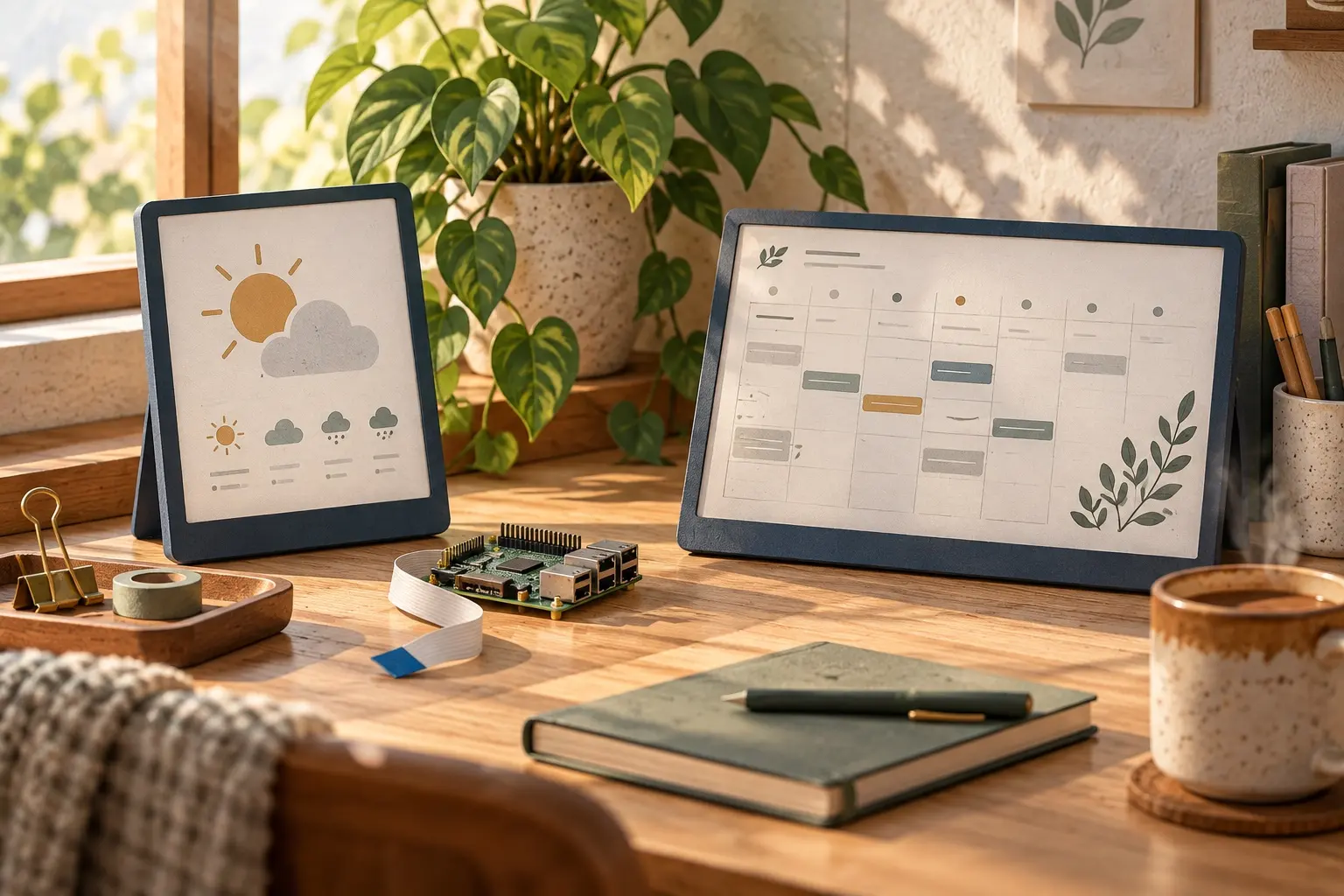
AI CONCEPT
An ambient weather and calendar display concept for a quiet desk. AI-generated illustration; not the original project, a wiring guide or a tested build.
06 / Sources & build notes
Upstream attention: 1,192 GitHub stars, checked 30 September 2026. Stars indicate community interest, not a reliability guarantee.
Original project by G6EJD. This PineMux editorial overview is based on the linked primary source; PineMux has not bench-tested this build.
For the original author’s build photographs, visit David Bird’s project gallery. The author restricts commercial redistribution; this page uses manufacturer hardware photographs and a clearly labeled AI concept instead.