
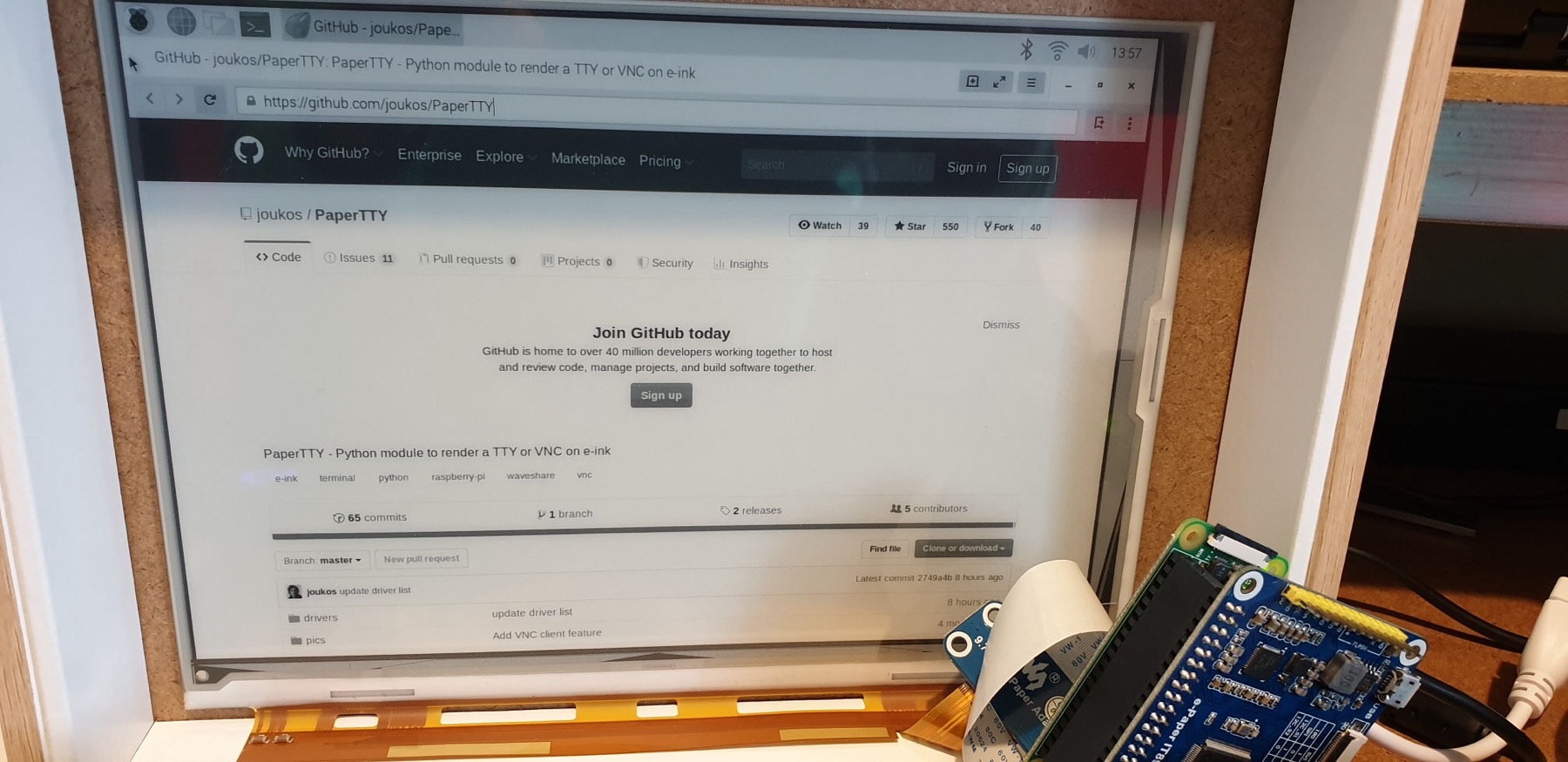
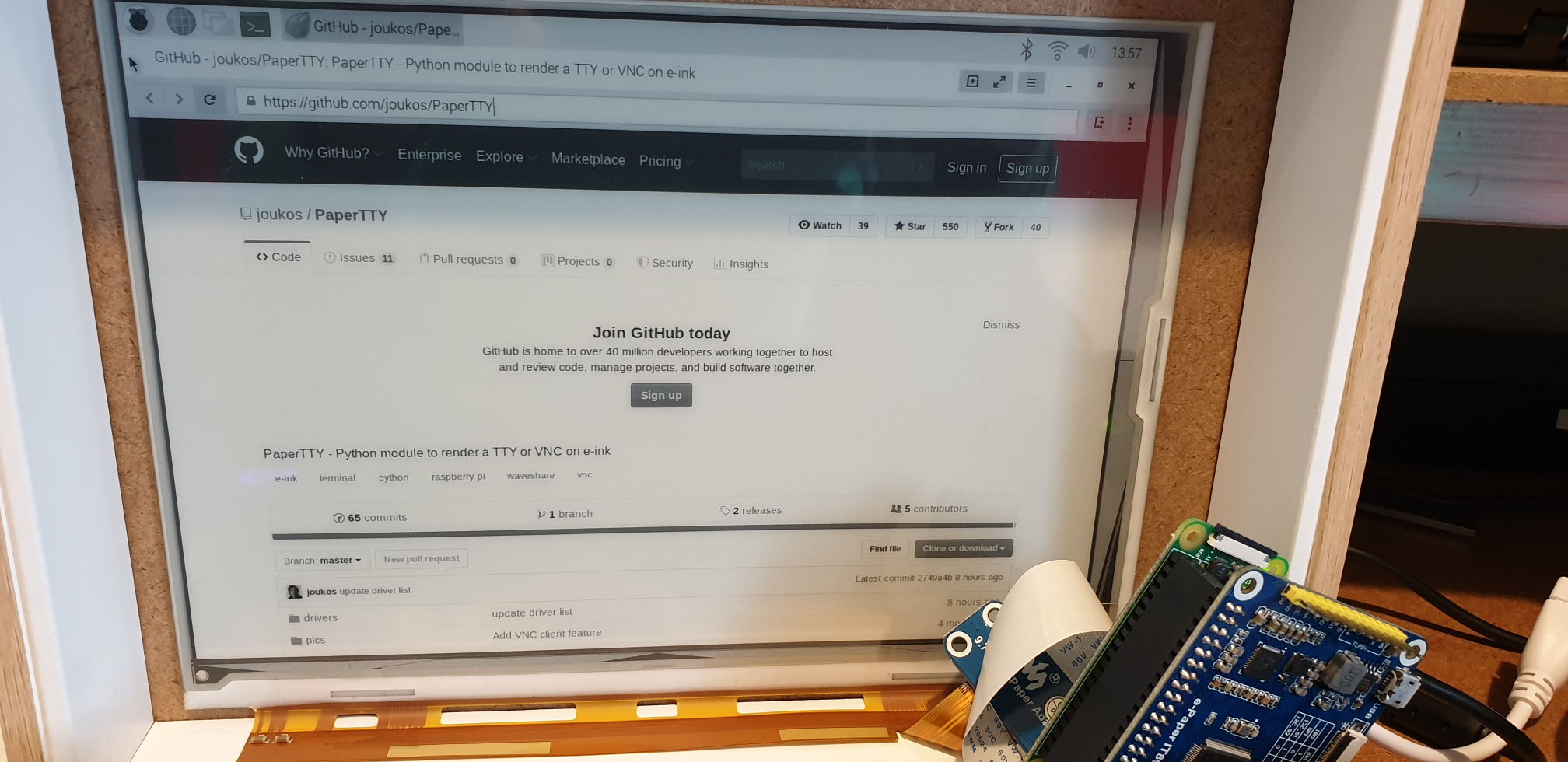
01 / Project overview
PaperTTY is an experimental Python project that renders a Linux terminal, standard input or supported remote-display output onto an e-paper panel. Many tested displays are Waveshare models, and the project also documents some IT8951 devices. It offers a starting point for a quiet text display or a custom terminal appliance.
02 / Materials & software
- Raspberry Pi
- a display on PaperTTY’s supported-driver list
- SPI or the documented IT8951 connection
- keyboard
03 / Compatibility & setup notes
PaperTTY is experimental and refresh behavior depends on the display driver. It should not be treated as a drop-in fast monitor; the project separates CC0 application code from GPL driver code.
04 / Build the project
- Check the driver list for the exact panel, including controller and resolution.
- Install the documented Python requirements and prove a simple text render first.
- Configure the desired terminal or input source, then adjust the font and refresh behavior for readability.
FROM THE ORIGINAL PROJECT
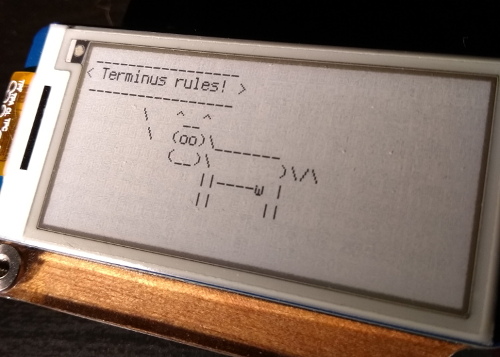
The original terminal view illustrates why font choice and line spacing matter on e-paper.
joukos/PaperTTY · View original image
05 / Check the result
Test long lines, scrolling and repeated updates. Choose a font that makes punctuation and similar characters easy to distinguish on the actual panel.
PineMux build note: Keep a record of the board revision, firmware version and first successful test. Follow the upstream guide for exact pins and commands.
FROM THE ORIGINAL PROJECT
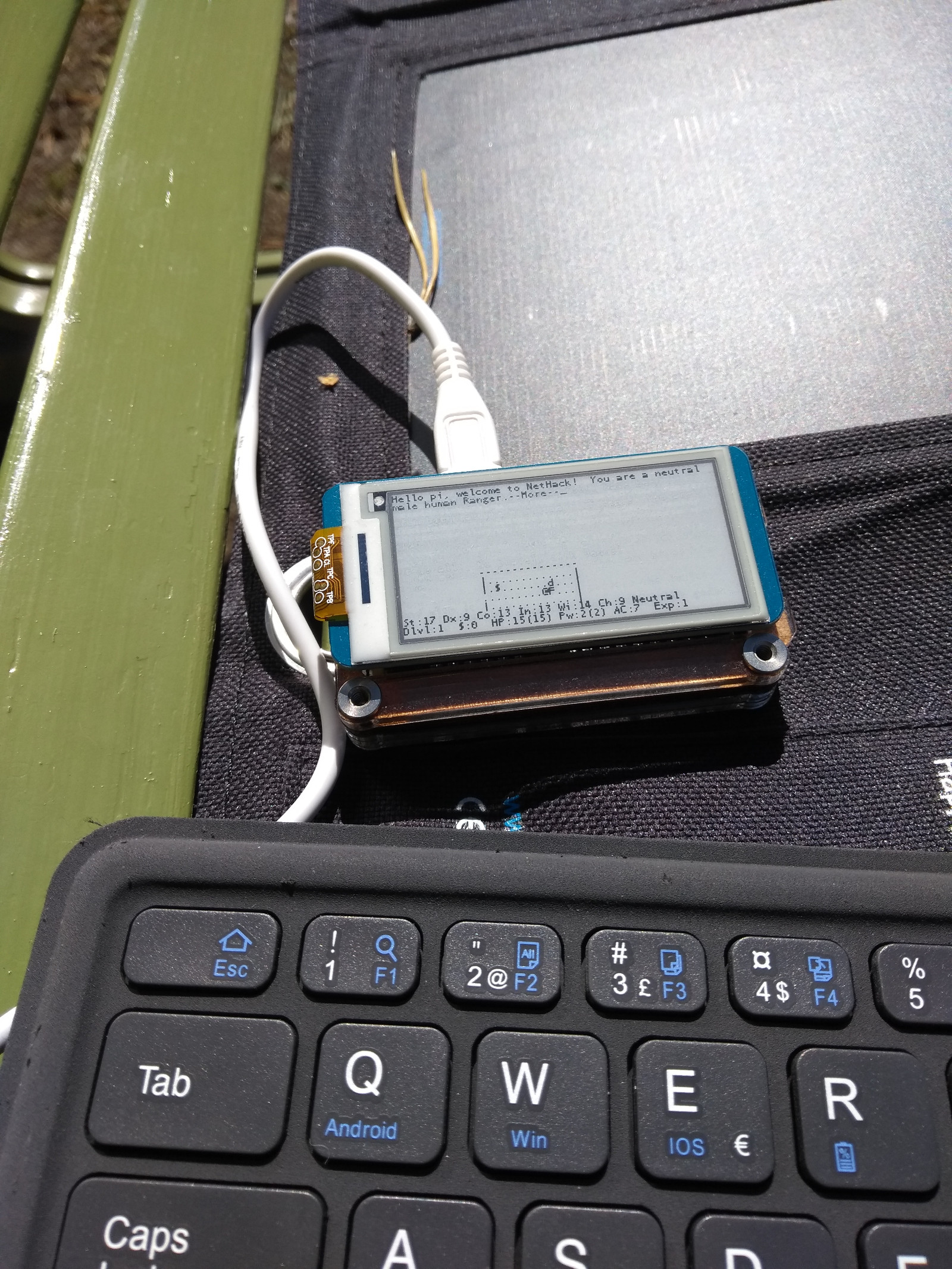
The upstream daylight example shows the reflective display in a different lighting condition.
joukos/PaperTTY · View original image
06 / Sources & build notes
Upstream attention: 1,046 GitHub stars, checked 30 September 2026. Stars indicate community interest, not a reliability guarantee.
Original project by joukos. This PineMux editorial overview is based on the linked primary source; PineMux has not bench-tested this build.