
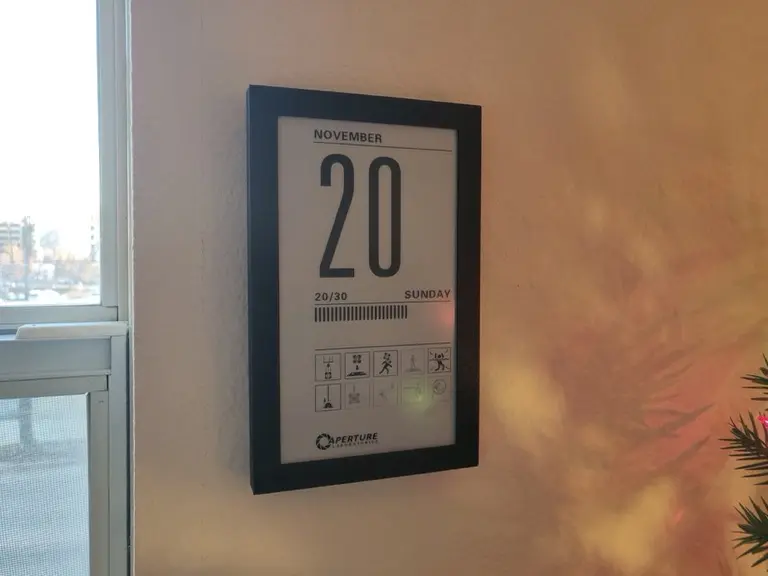
Portal Calendar: An ESP32 and Waveshare E-Ink Build
Portal Calendar: An ESP32 and Waveshare E-Ink Build. It displays the date on a Waveshare e-paper screen and can optionally replace decorative icons with forecast information.
Portal Calendar: An ESP32 and Waveshare E-Ink Build. It displays the date on a Waveshare e-paper screen and can optionally replace decorative icons with forecast information.
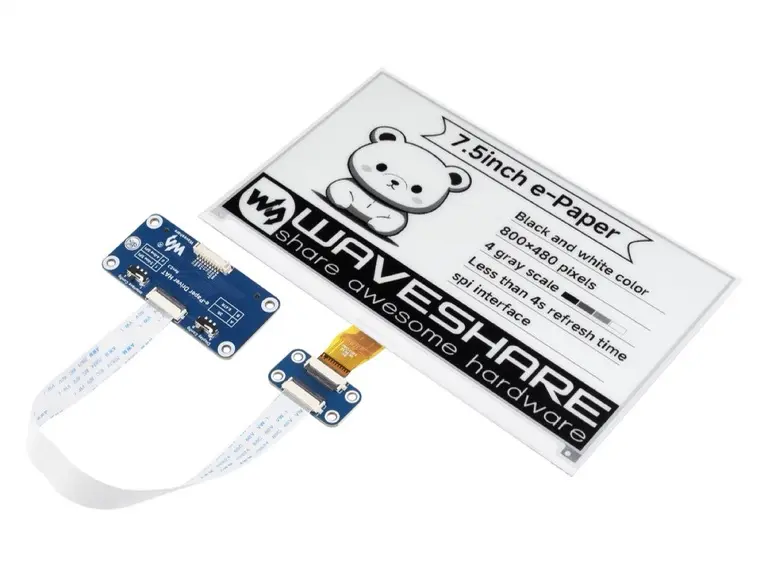
G6EJD Weather Display: Choose a Waveshare Panel Size. Each example adapts the weather layout to a specific panel, which makes the project useful when comparing a compact desk display with a larger forecast board.
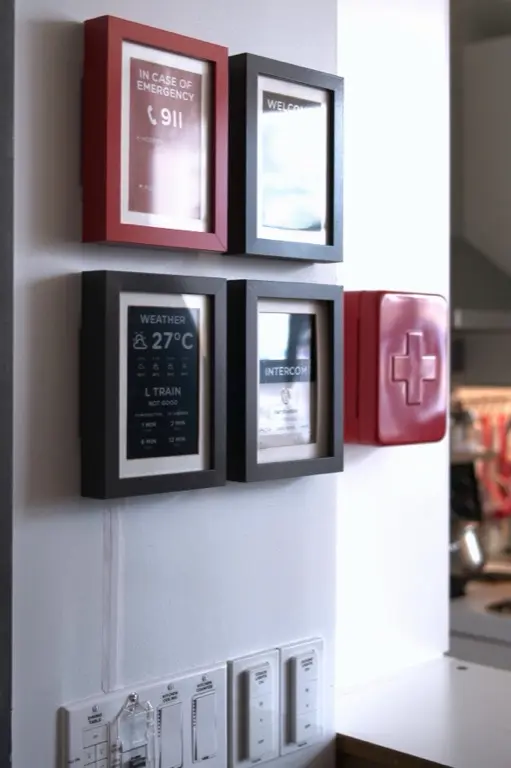
Weatherman: An ESPHome E-Paper Home Assistant Dashboard. It combines weather and transit information in a portrait layout on a Waveshare e-paper panel.
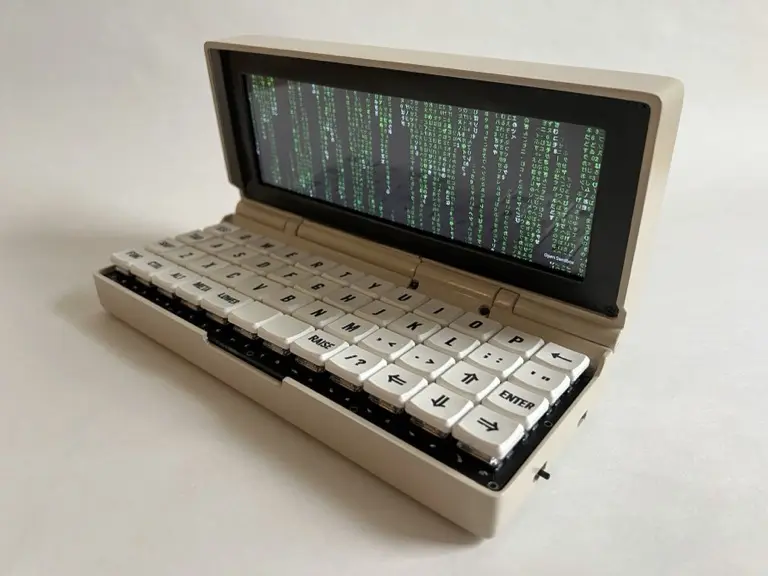
Penkesu: A Raspberry Pi Handheld with a Waveshare Screen. A Raspberry Pi Zero 2 W runs the system, while repurposed Game Boy Advance SP hinges and a flexible HDMI connection keep the folding enclosure compact.
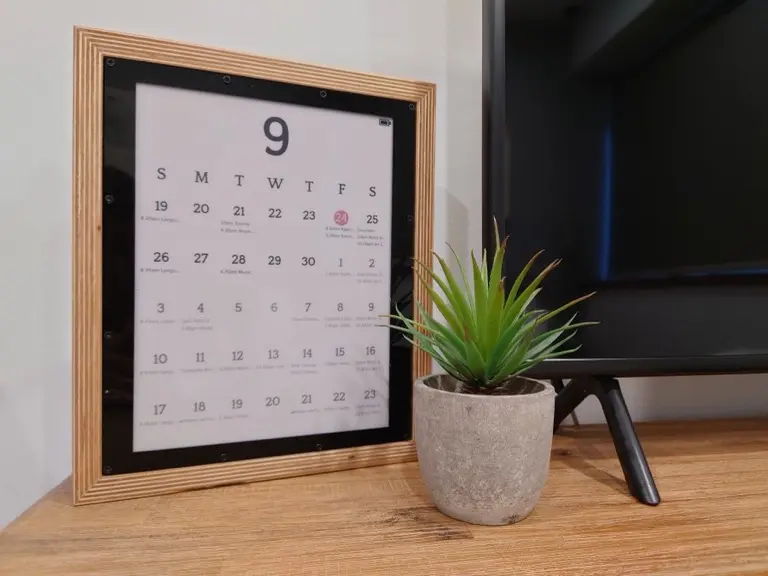
MagInkCal: A Battery-Powered Waveshare Wall Calendar. It retrieves Google Calendar events on a Raspberry Pi Zero, renders a calendar image and updates a Waveshare 12.48-inch three-color display.
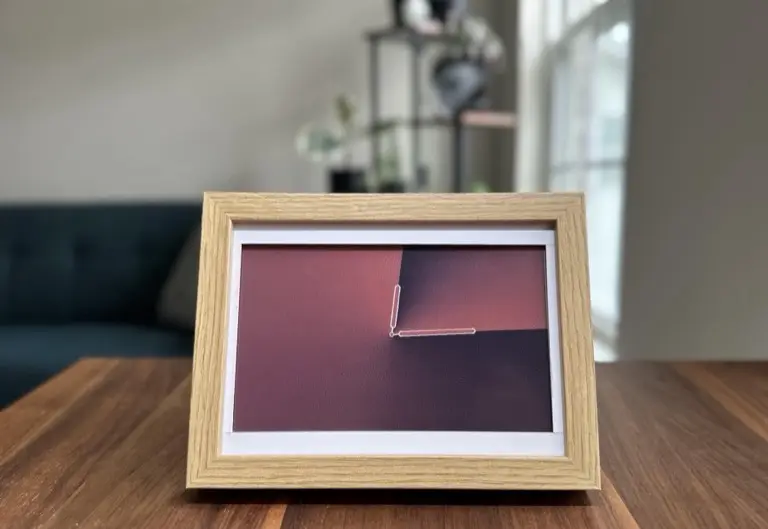
InkyPi: Build a Raspberry Pi E-Paper Dashboard. Its browser interface manages content and scheduled playlists, with plugins for clocks, weather, calendars and images.
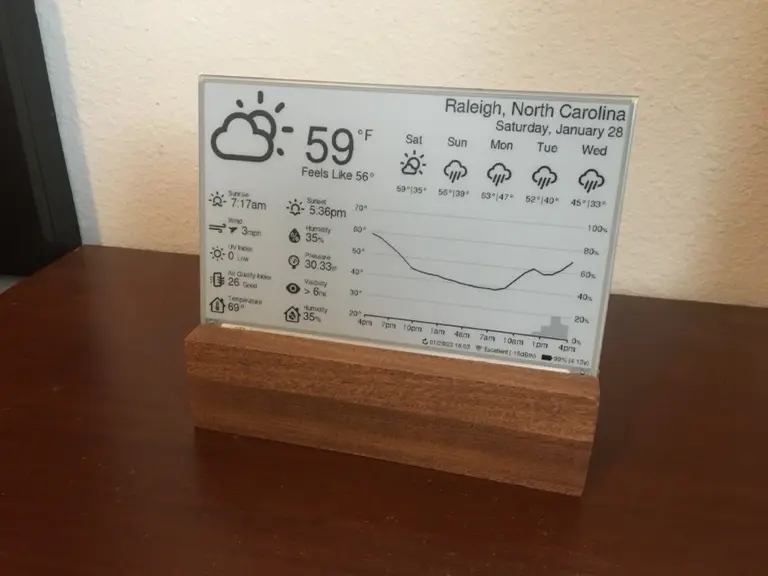
ESP32 Weather E-Paper: A Waveshare 7.5-Inch Build. The original build includes an indoor sensor and a forecast layout that can be configured for location, units and language.
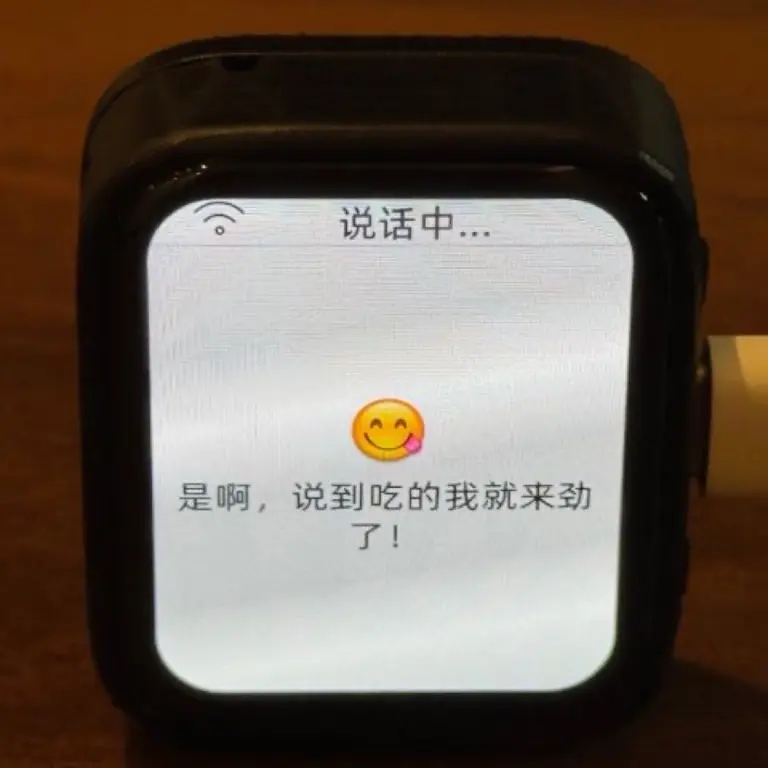
XiaoZhi AI Voice Assistant on a Waveshare ESP32-S3. Its supported hardware list includes the Waveshare ESP32-S3-Touch-AMOLED-1.8.
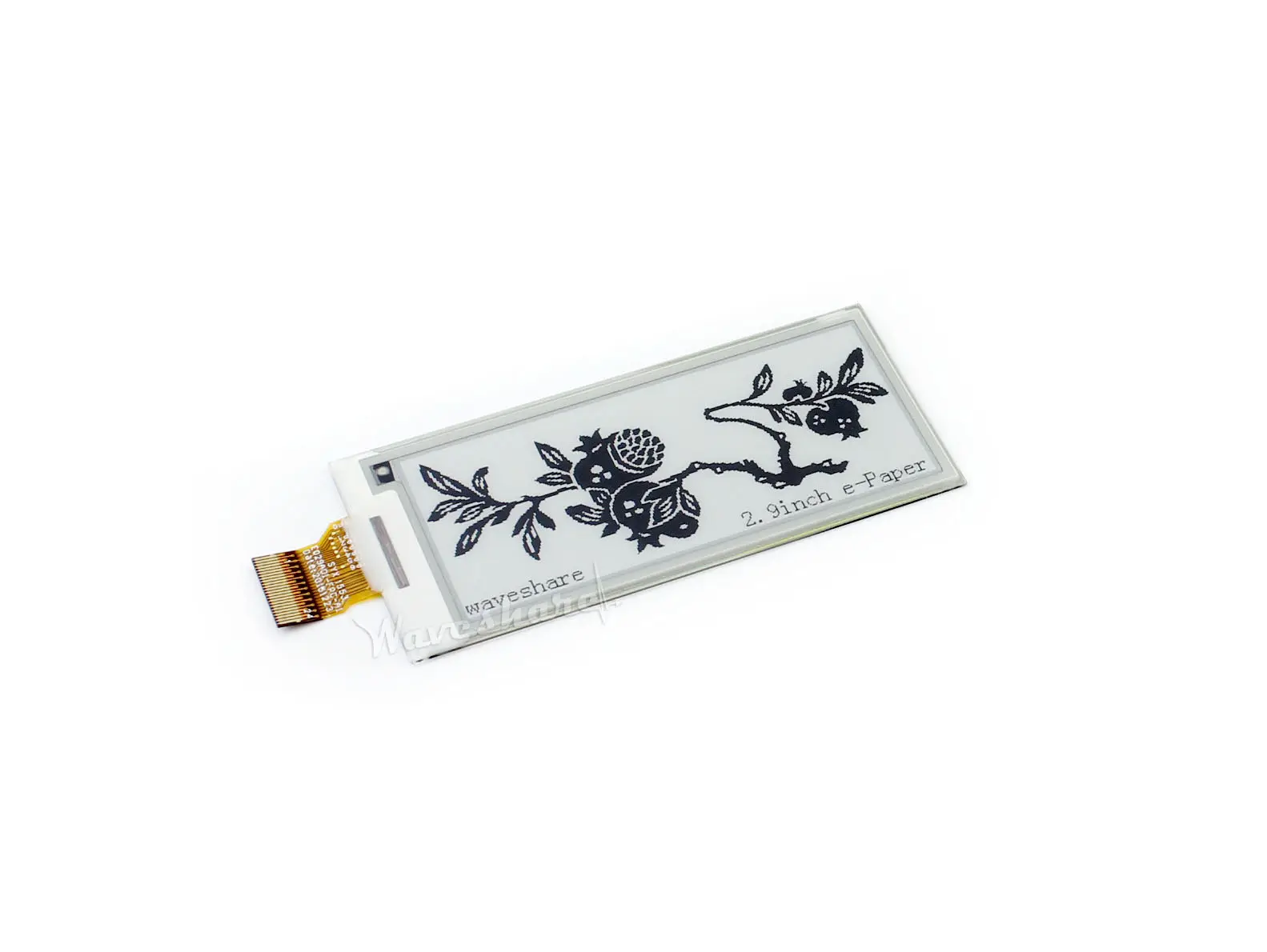
Show a few local system facts on e-paper, with a timestamp that makes an old retained image easy to recognize.
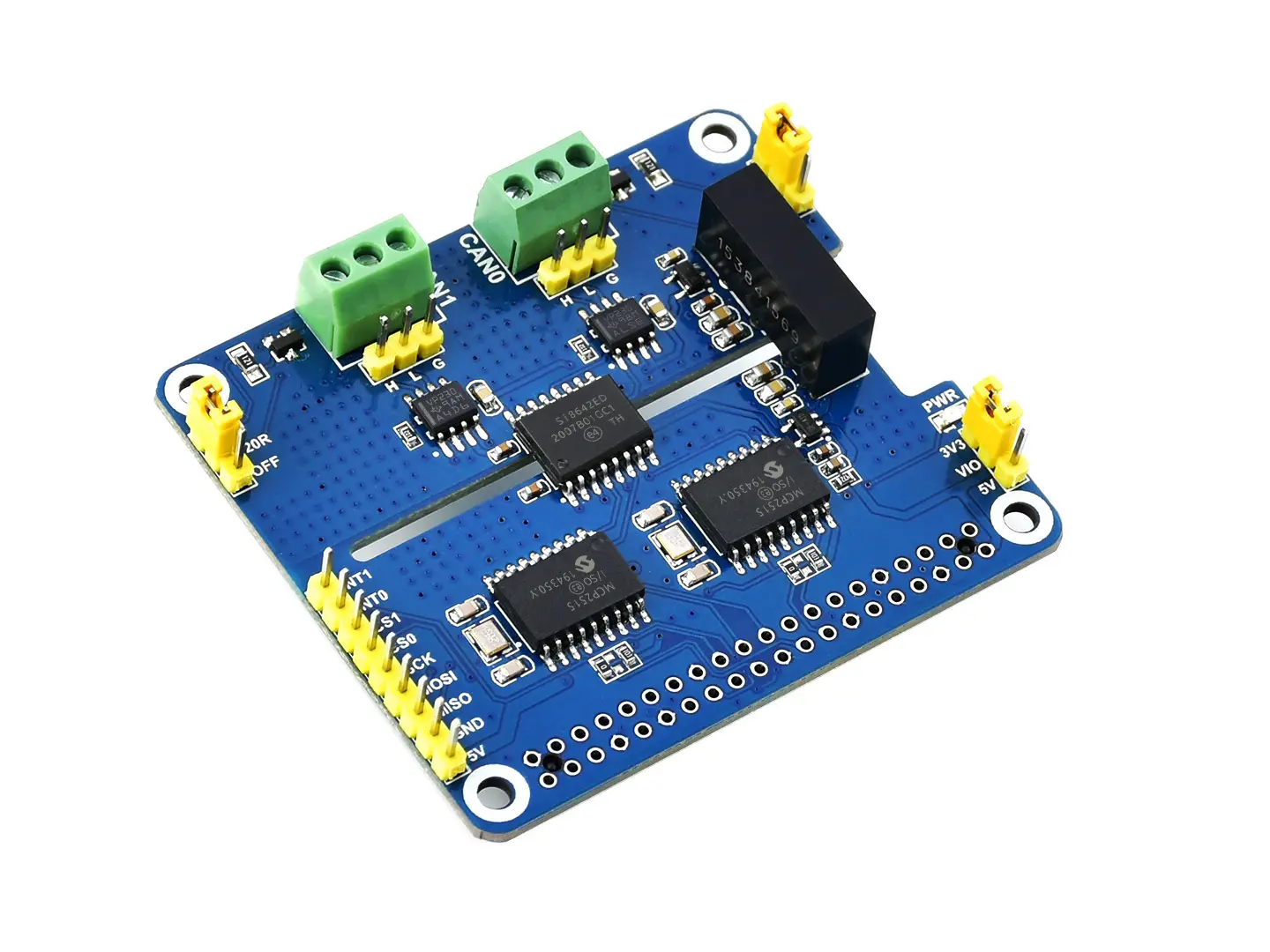
Send a known frame between the HAT’s two CAN channels and inspect it with SocketCAN tools.
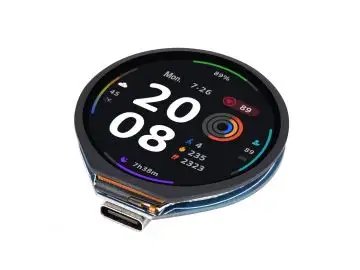
Use a circular touch display for a timer with a large countdown and a single clear primary action.
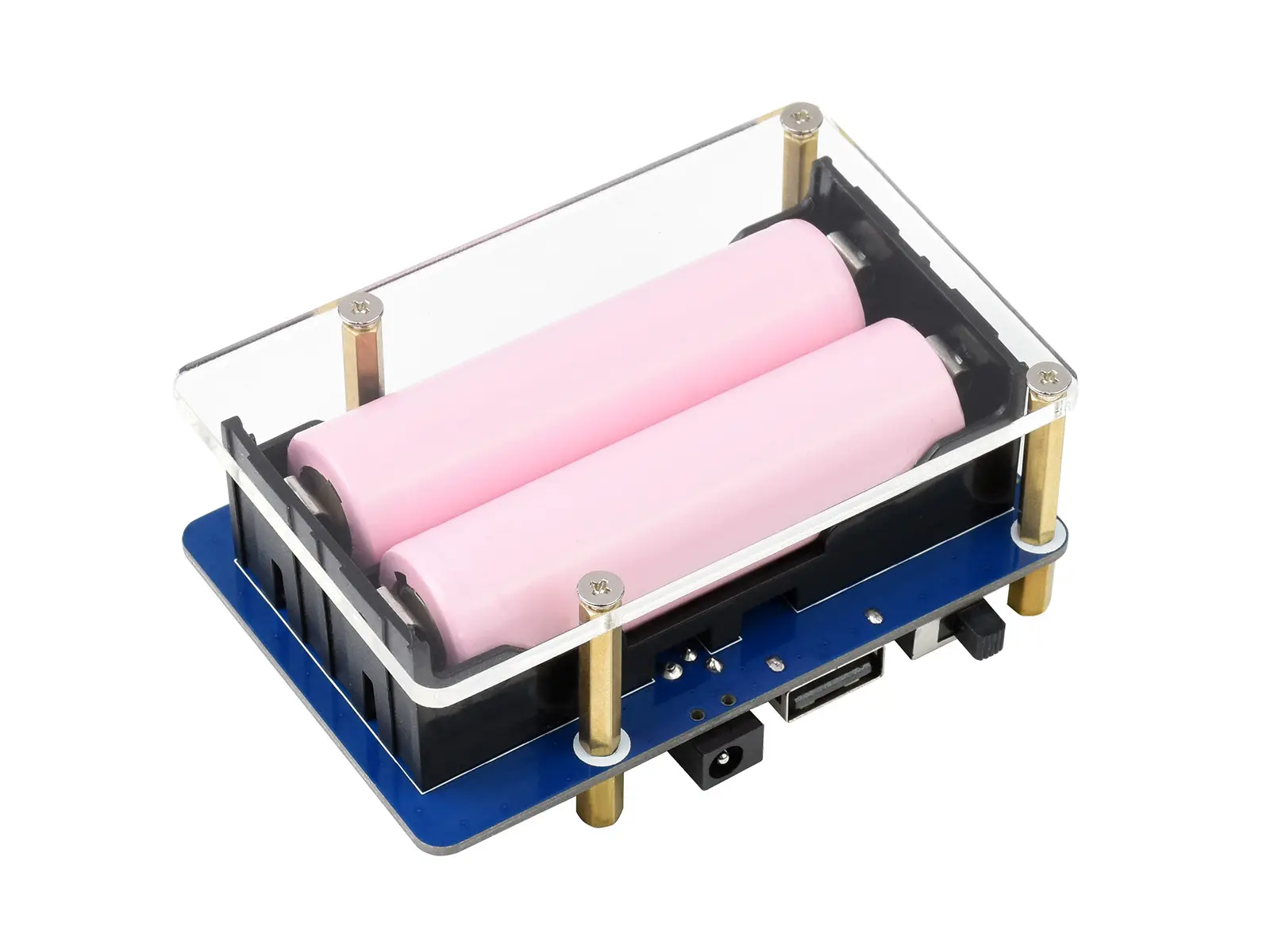
Read battery telemetry and record supply changes before designing an automatic shutdown policy.